


Upscale product images to 2K or 4K
Lift low-resolution supplier photos and earlier renders to a print-ready size, one image or a whole batch, inside the same workspace as the rest of your catalog.
On the Free plan · 600 credits / day · no credit card
Two sizes, chosen per run
Pick the size you need. Images already at that size are left alone.

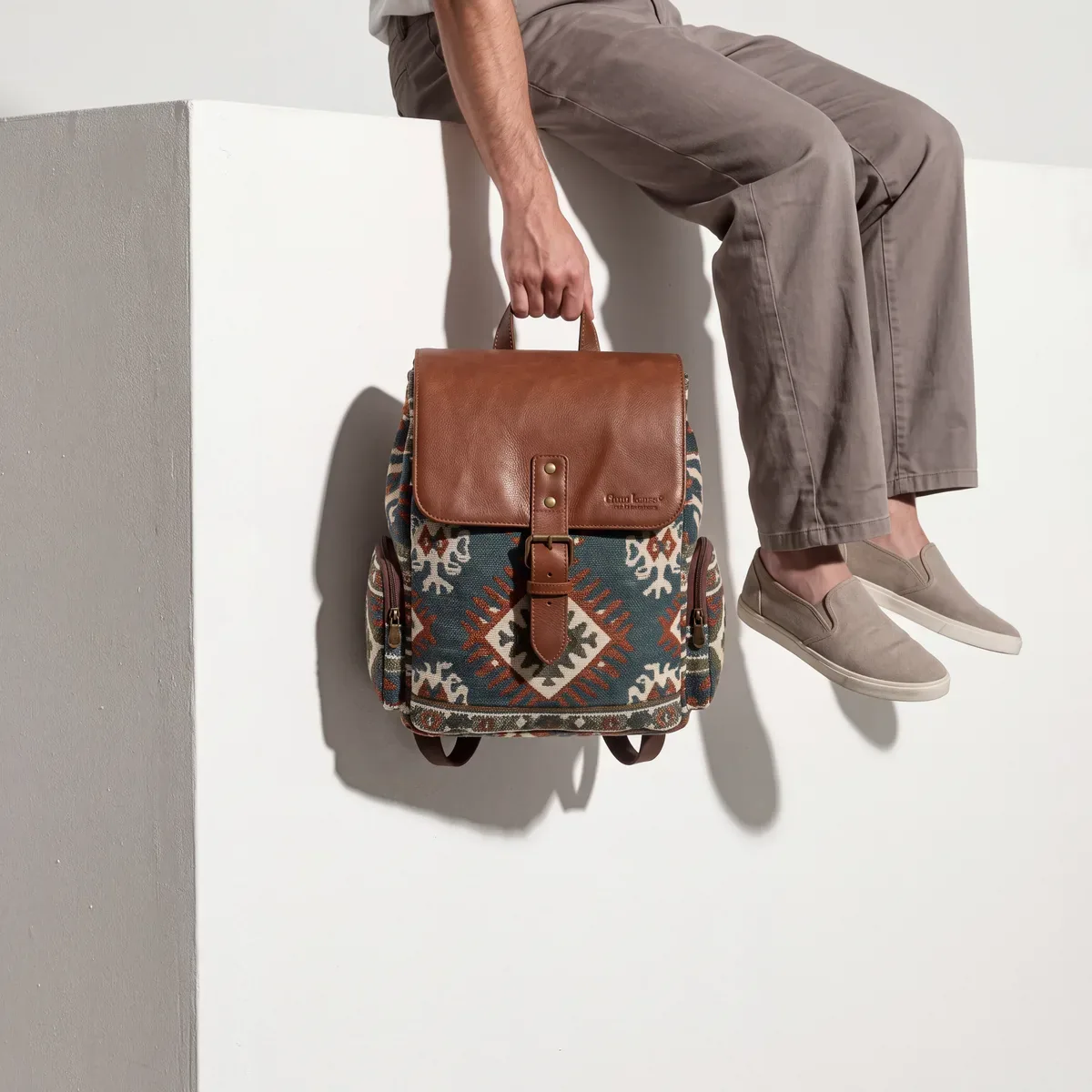
Generated in Epox from the product photo
2K or 4K
2K is about 2,048 pixels on the long edge; 4K is about 4,096 — for larger placements and print.
Nothing upscaled twice
Images that are already at or above the size you picked are skipped, so a mixed batch only touches the ones that need it.
Part of the chain
Upscale after a background removal or a reframe, and save the whole sequence as a template.
Three steps, one image or a hundred
- 01
Pick the images
One image, a whole product, or a selection from your library — every tool runs on many images at once.
- 02
Pick 2K or 4K
One output size for the run — images already that size or larger are skipped.
- 03
Keep, download or sync
Download the results, or stage them on the product page in Shopify or WooCommerce and approve before they go live.
Upscale questions
The rest of Edit & standardize

A catalog at one resolution.
Open the tool, select your images, pick 2K or 4K.
Open Upscale in EpoxOn the Free plan · 600 credits / day · no credit card