


Watch what comes out.
Living scenes, camera moves, on-model, and social clips — all generated from real product photos.
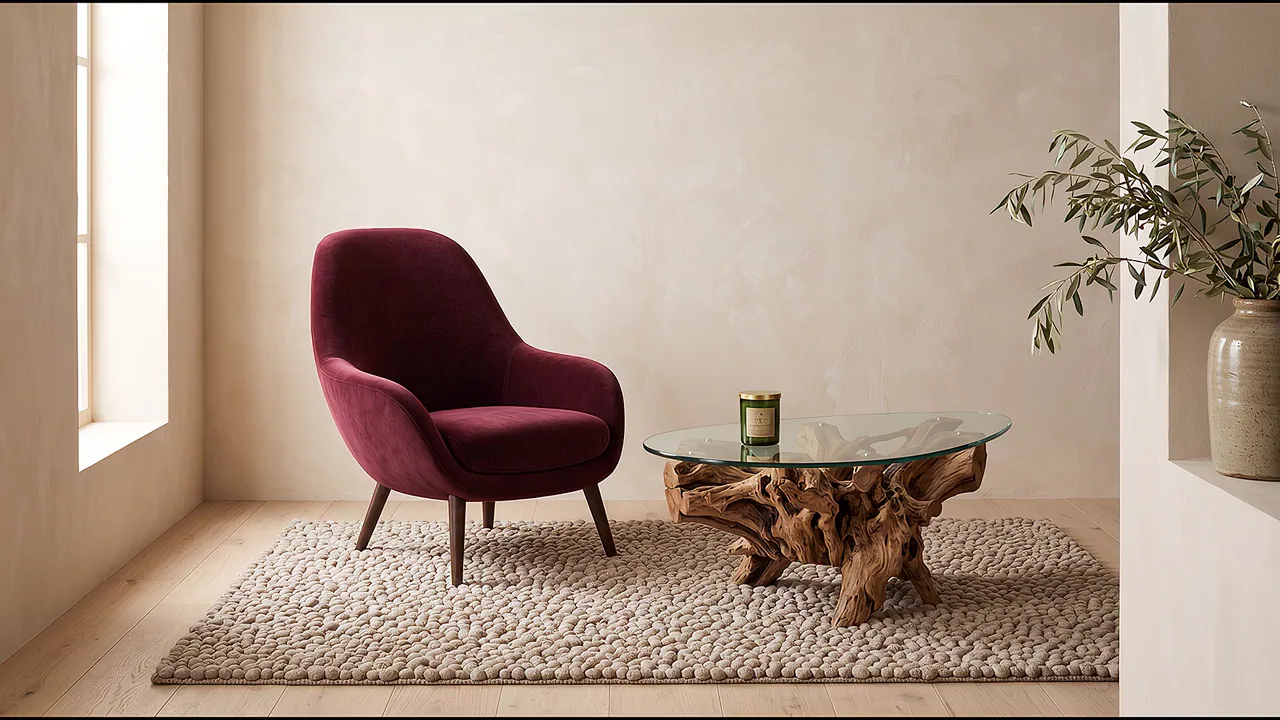


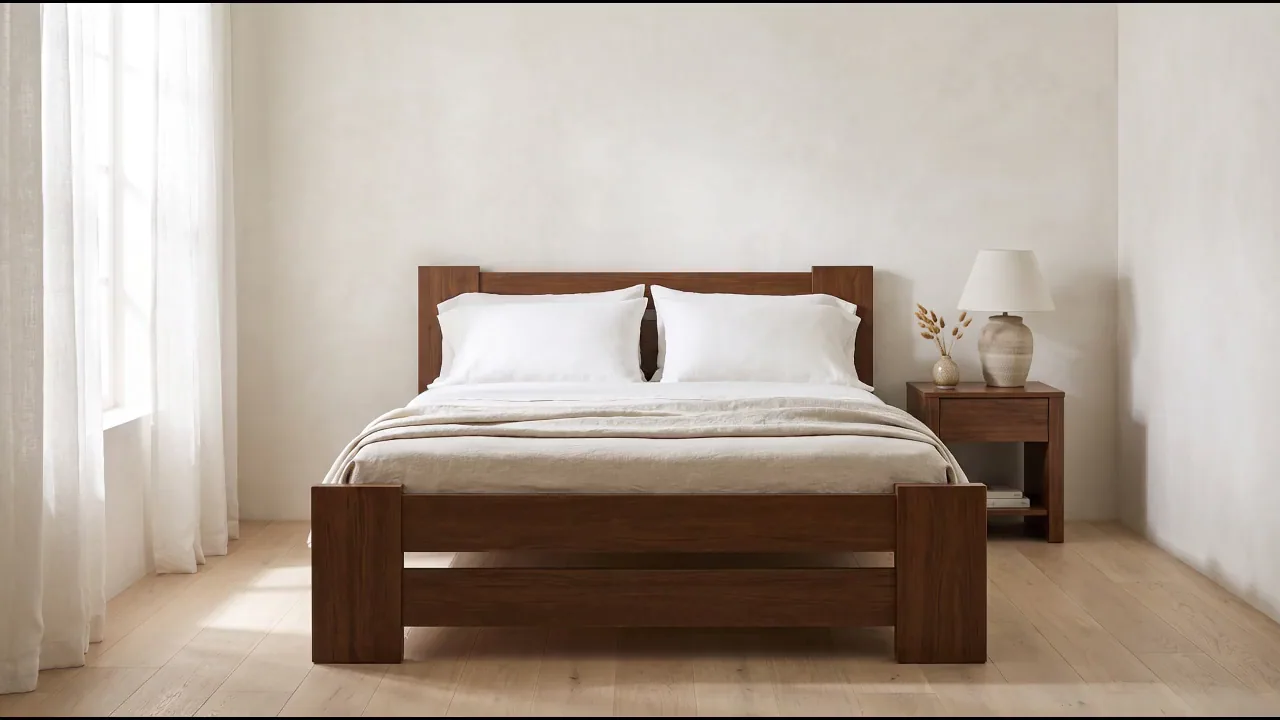
Turn a product photo into every video your store and brand need.
Just describe the video you want.
Epoxy is your AI art director. Describe the shot in plain language — the motion, the mood, the pacing — and Epoxy handles the rest: camera move, easing, duration, framing, ambient life.
No motion presets to browse. You bring the intent, Epoxy directs the shot.
Open Video Studio →Or set every knob yourself.
The Recipe panel gives you full control over every motion setting: camera move, duration, easing, framing, crop, ambient life. Every choice Epoxy would make, you can make instead.
Save any setup as a template. Reuse it across every product.
Open Video Studio →Every product, from every angle.
360 turntables from a single product photo. The shot that used to need a rotating platform, a fixed camera, and a shooting day — generated from one still.
Loop-ready, PDP-ready, ad-ready. Same rig, every SKU.
Open Video Studio →The camera move, without the crew.
Slow push-ins, dolly moves, arcs, and pulls — every cinematic camera move a director would call for, applied to your product photo.
Set the move once, apply it to every product. The look that used to cost a shoot day.
Open Video Studio →Save the recipe. Reuse forever.
A template is a saved video recipe — every motion setting locked in. Stack a few templates into a pack, run the pack on a batch, and every product goes through every template in one run.
Your recipes, your packs. The motion look survives from SKU 1 to SKU 500.
Browse templates →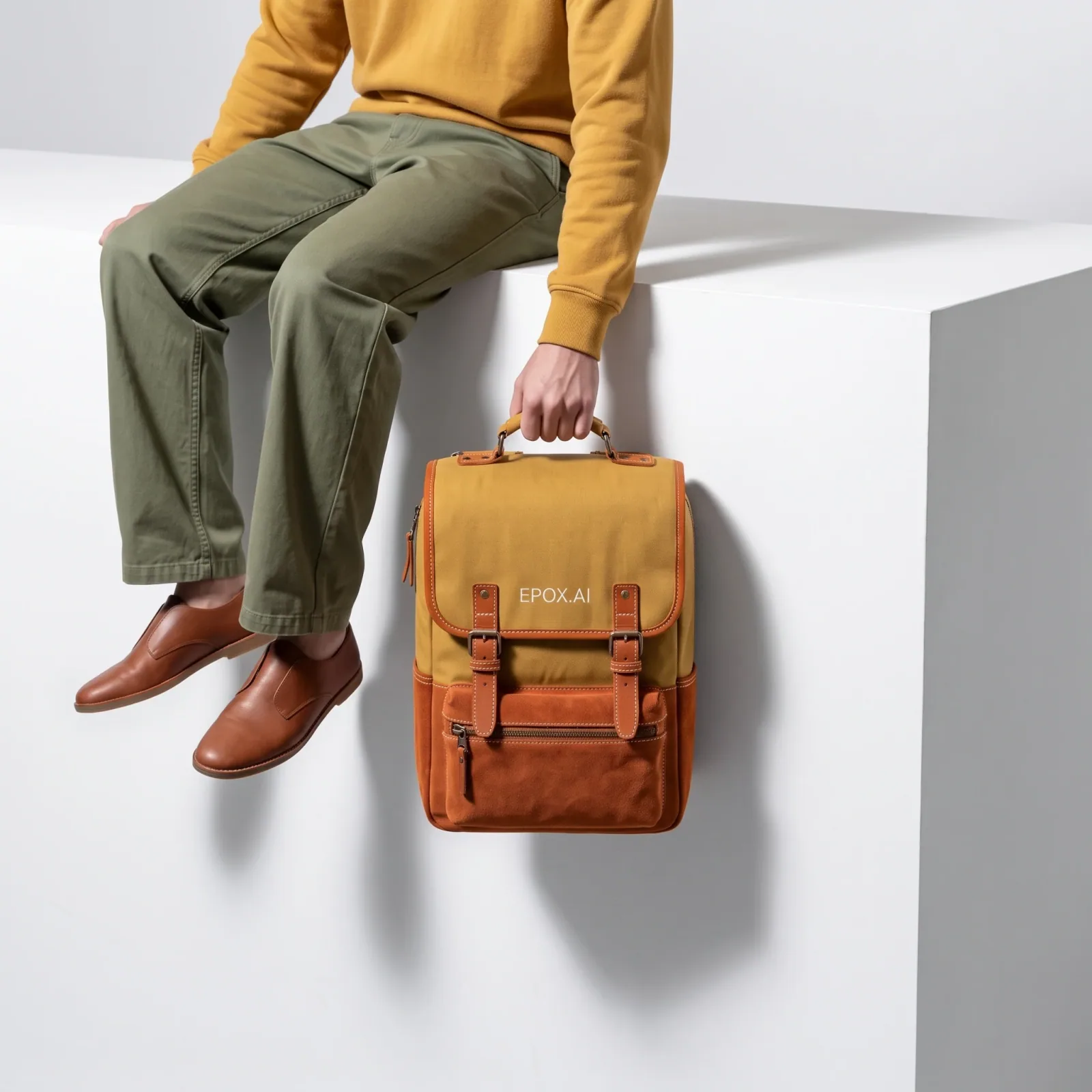
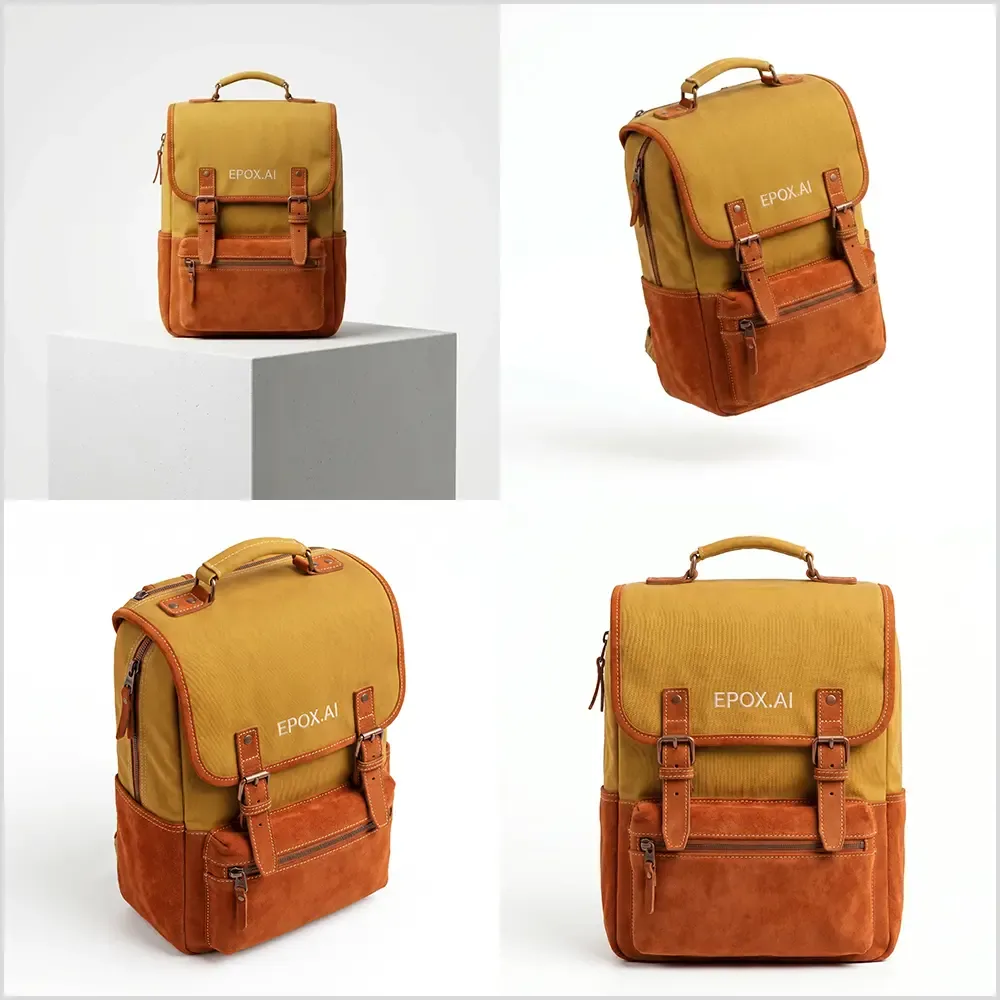
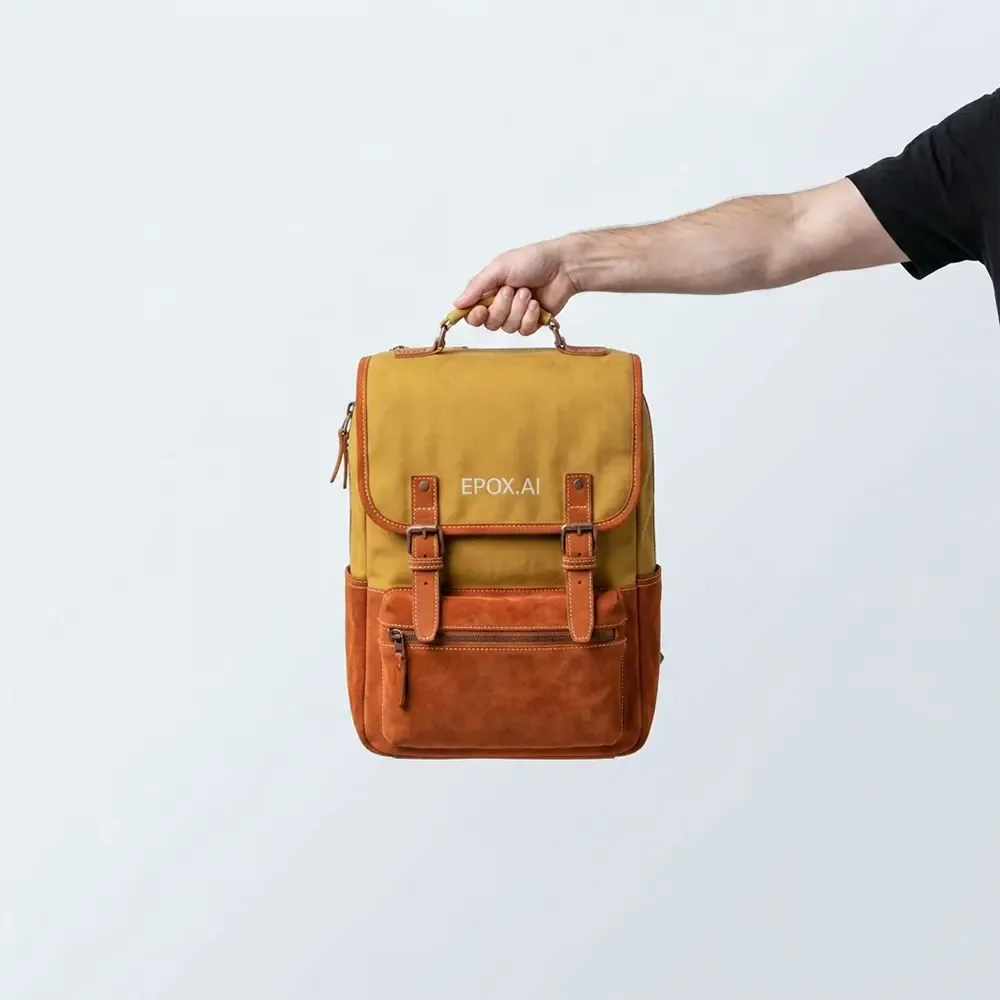



All your products, all at once.
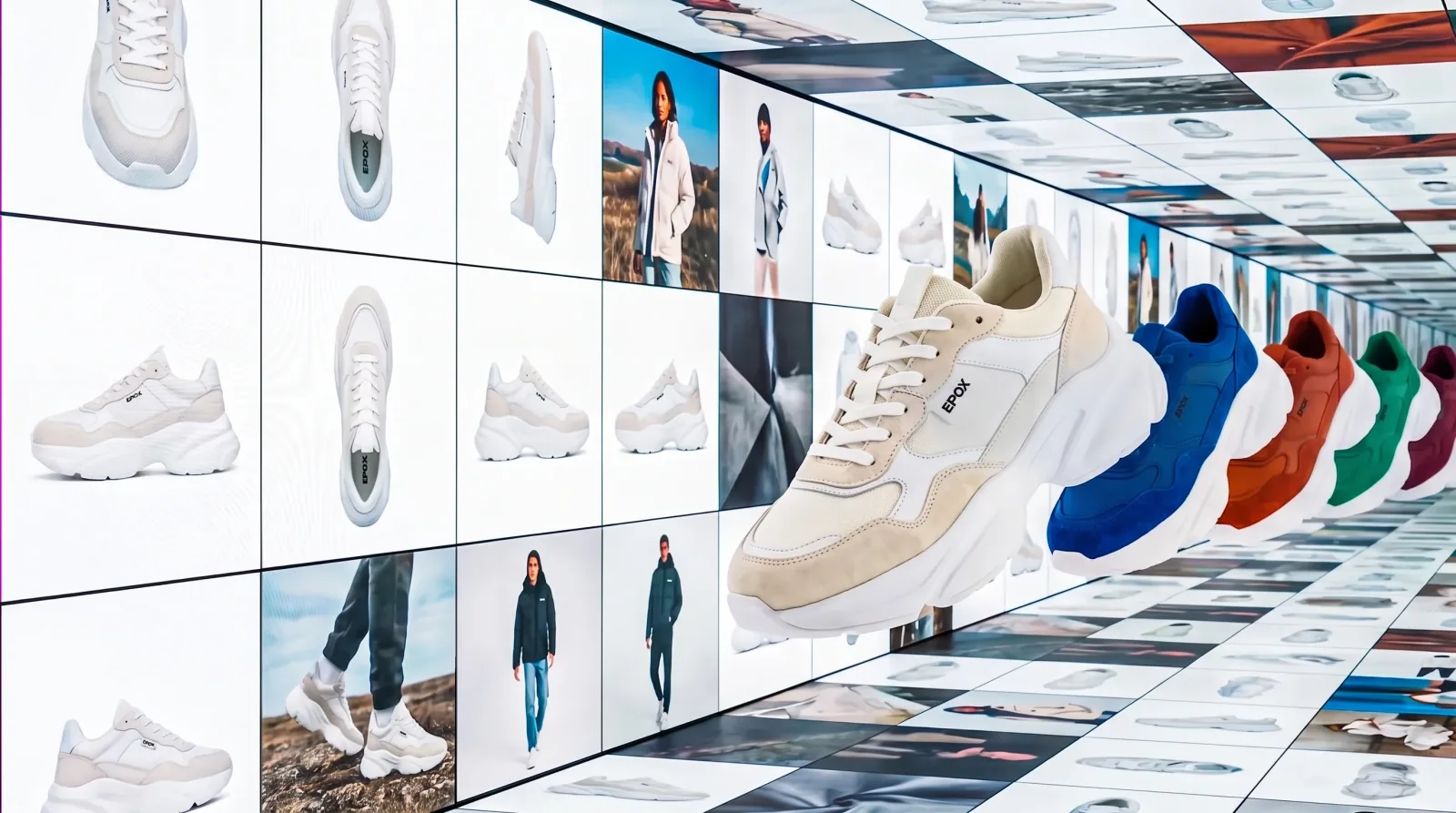
Point Epox at your product feed. Run a video template — or a template pack — across every SKU in one job. Every product comes back with the same motion applied.
From a set of product stills to an ecom-ready set of product videos, in one run.
Import your products →
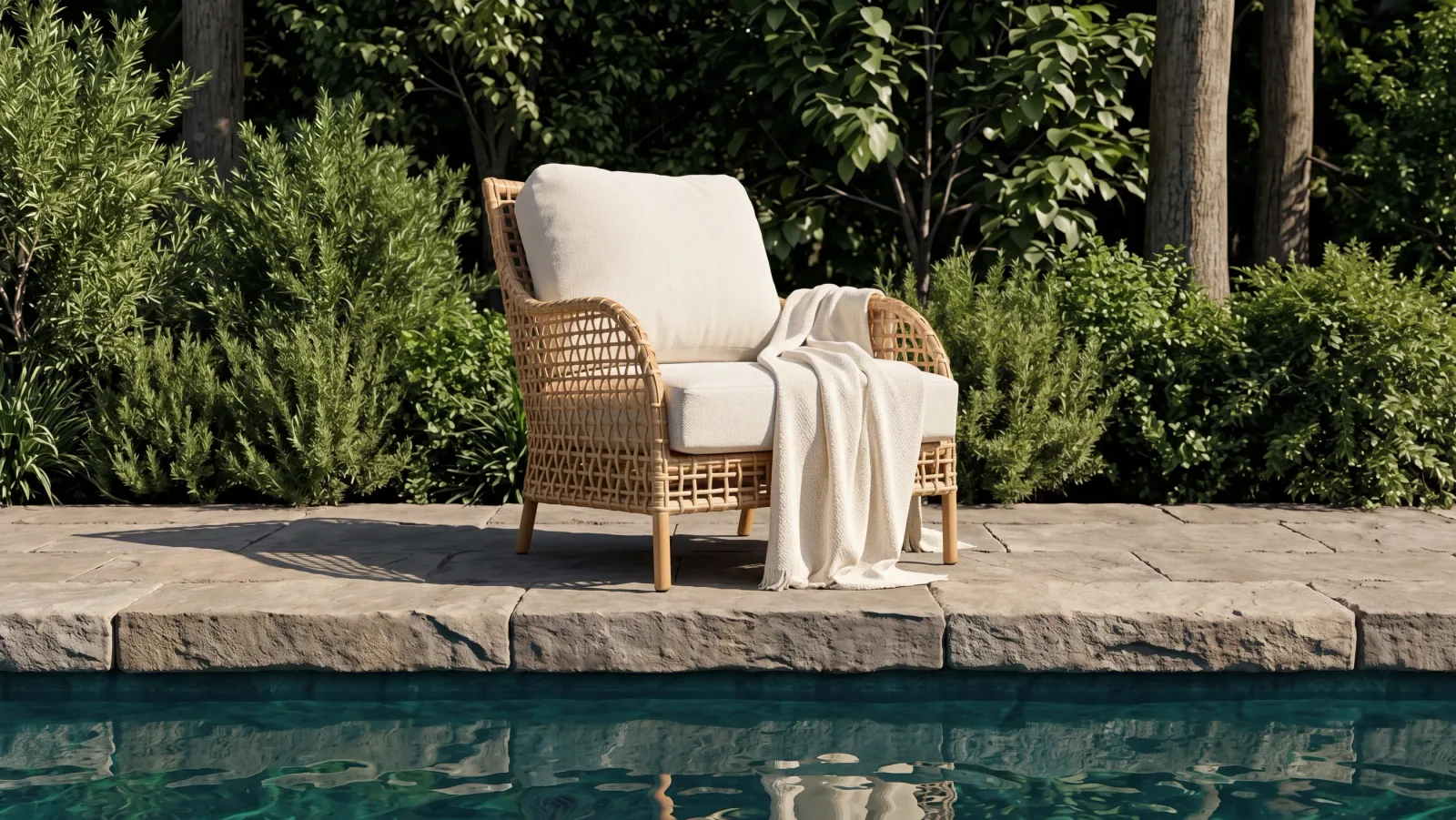
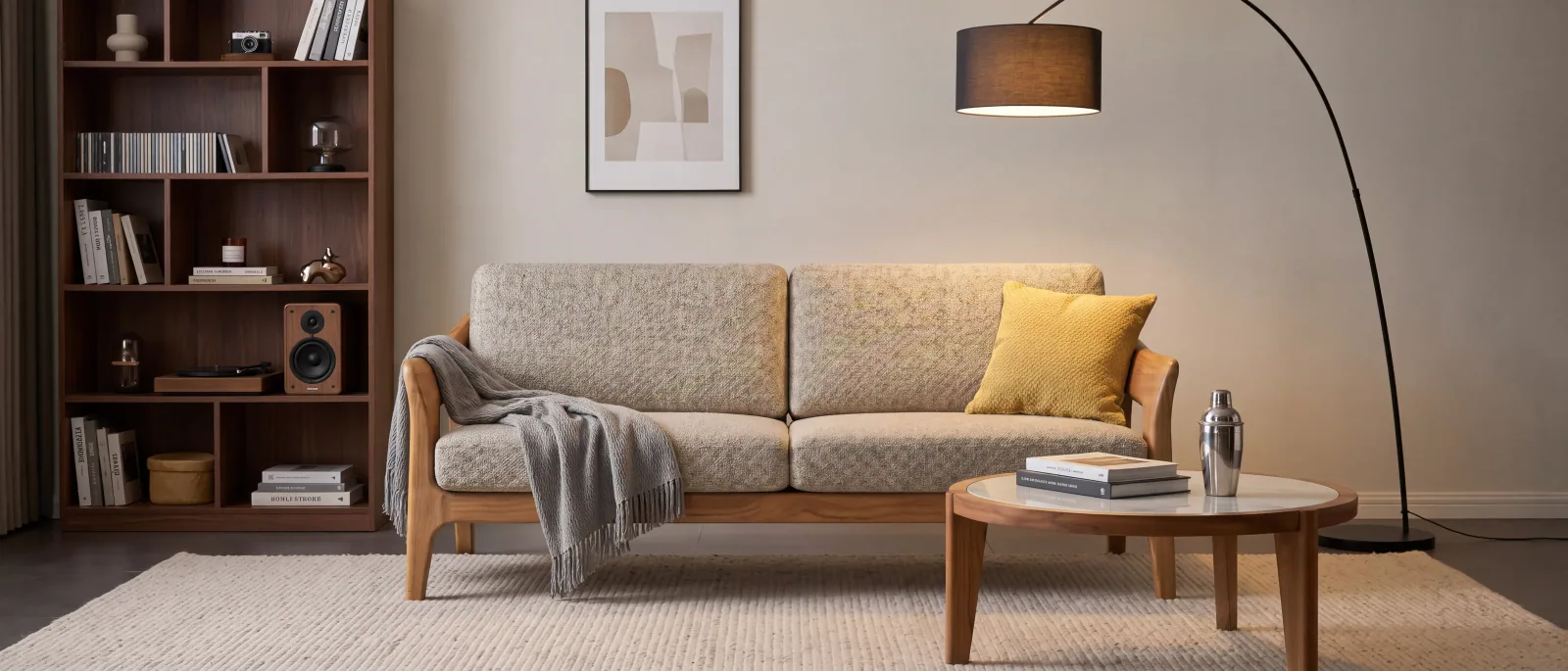
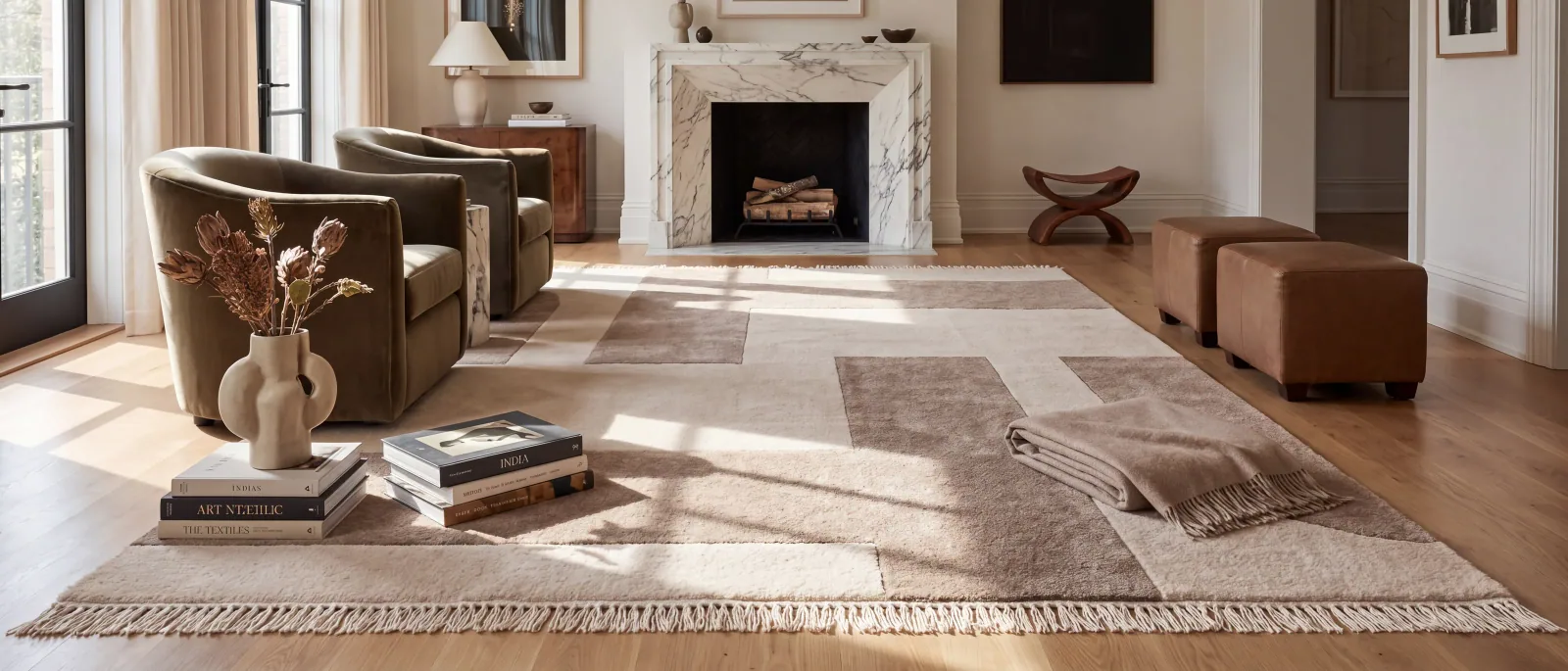
Bring lifestyle scenes to life.
Turn a lifestyle photo into a living scene. Candles flicker, coffee steams, curtains drift, the room breathes — the product stays put, the scene comes alive.
The stopping-power of video without the loud editorial cuts. Calm, ambient, on-brand.
Open Video Studio →