


Packshots, room scenes and video for every piece you sell
Epox reads each product from the photo you already have, then generates the clean packshots, material close-ups and room scenes a furniture page needs — in one saved look, across the whole catalog.
600 credits / day · no credit card

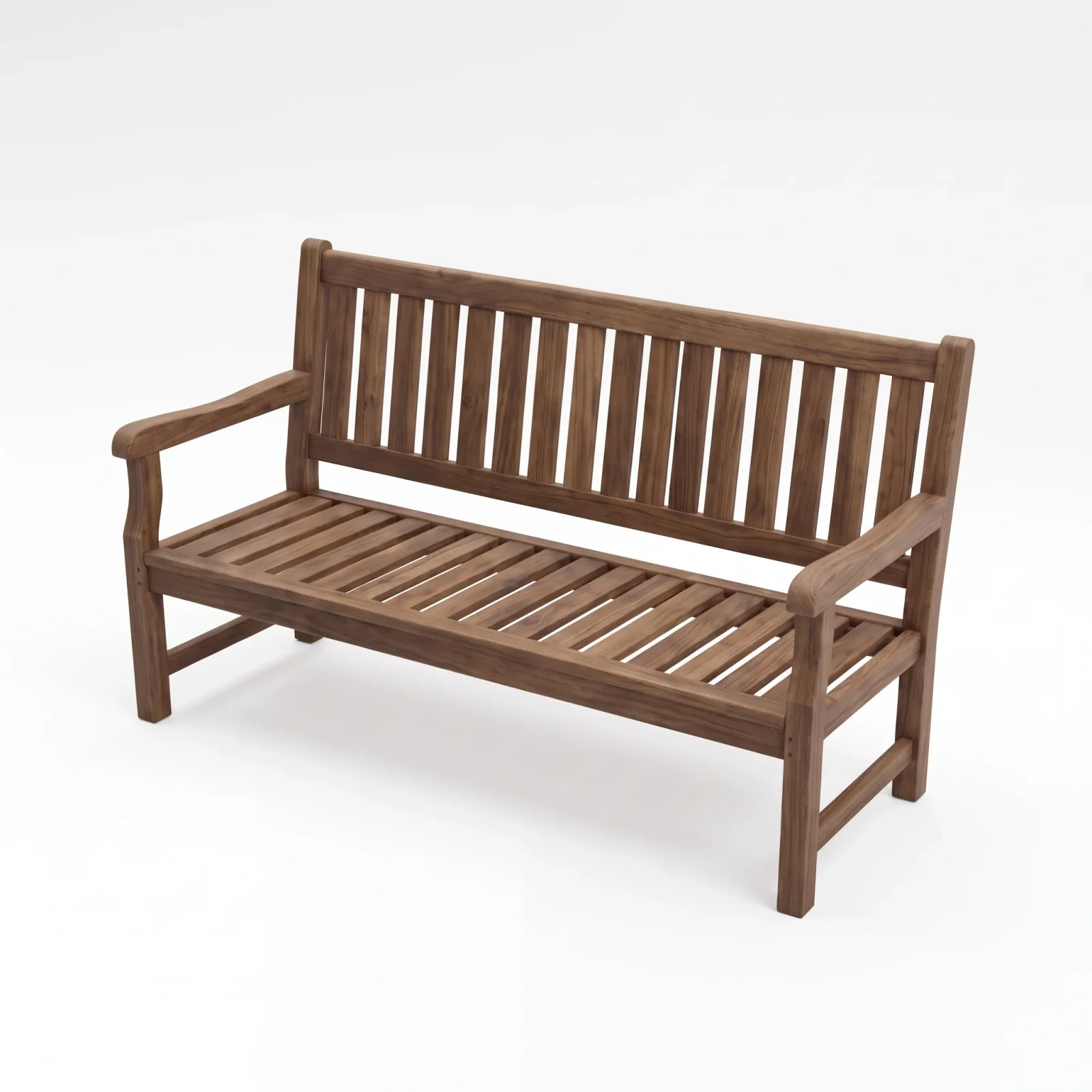
Generated in Epox from the product photo
One product photo in. A full set of shots out.
Each tab is a part of the catalog and the frames Epox generated for every piece in it: packshots, close-ups, room scenes, lifestyle and video.

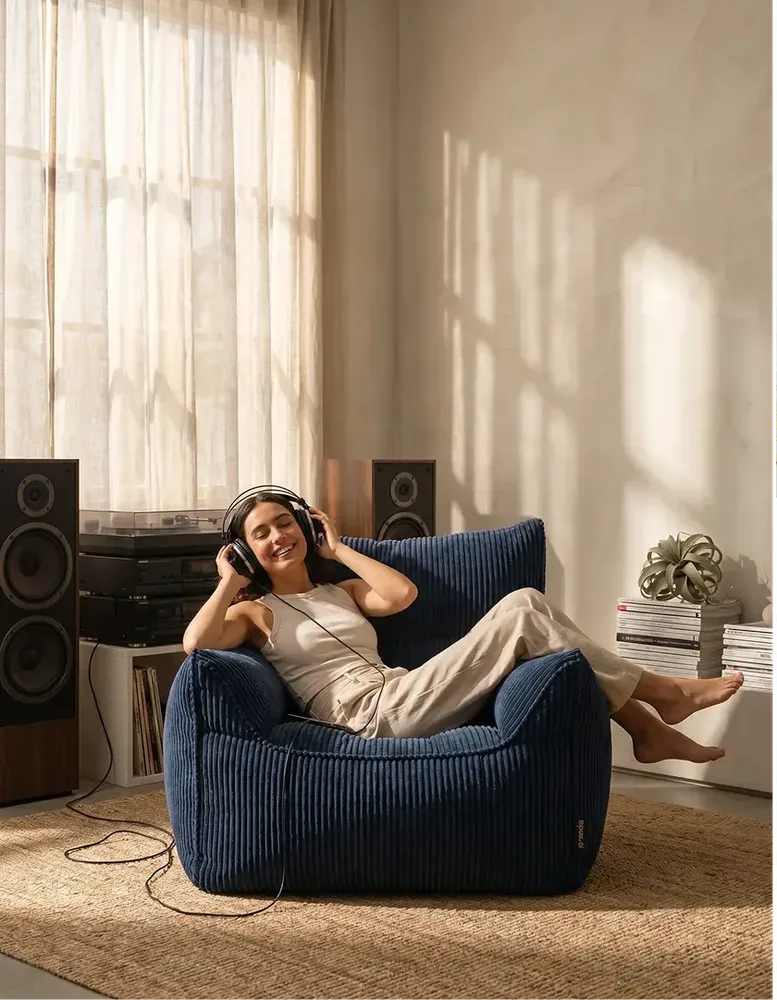


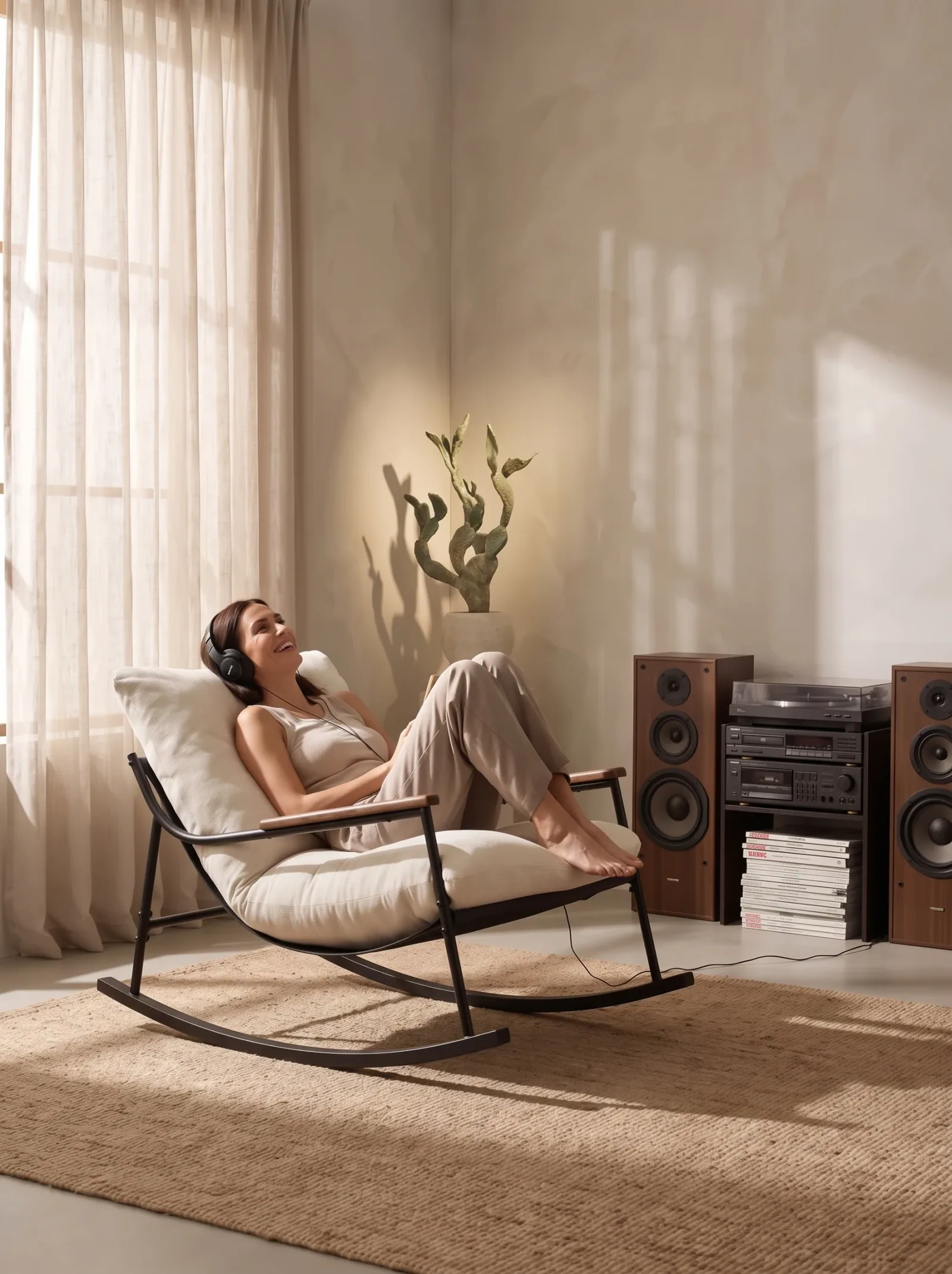
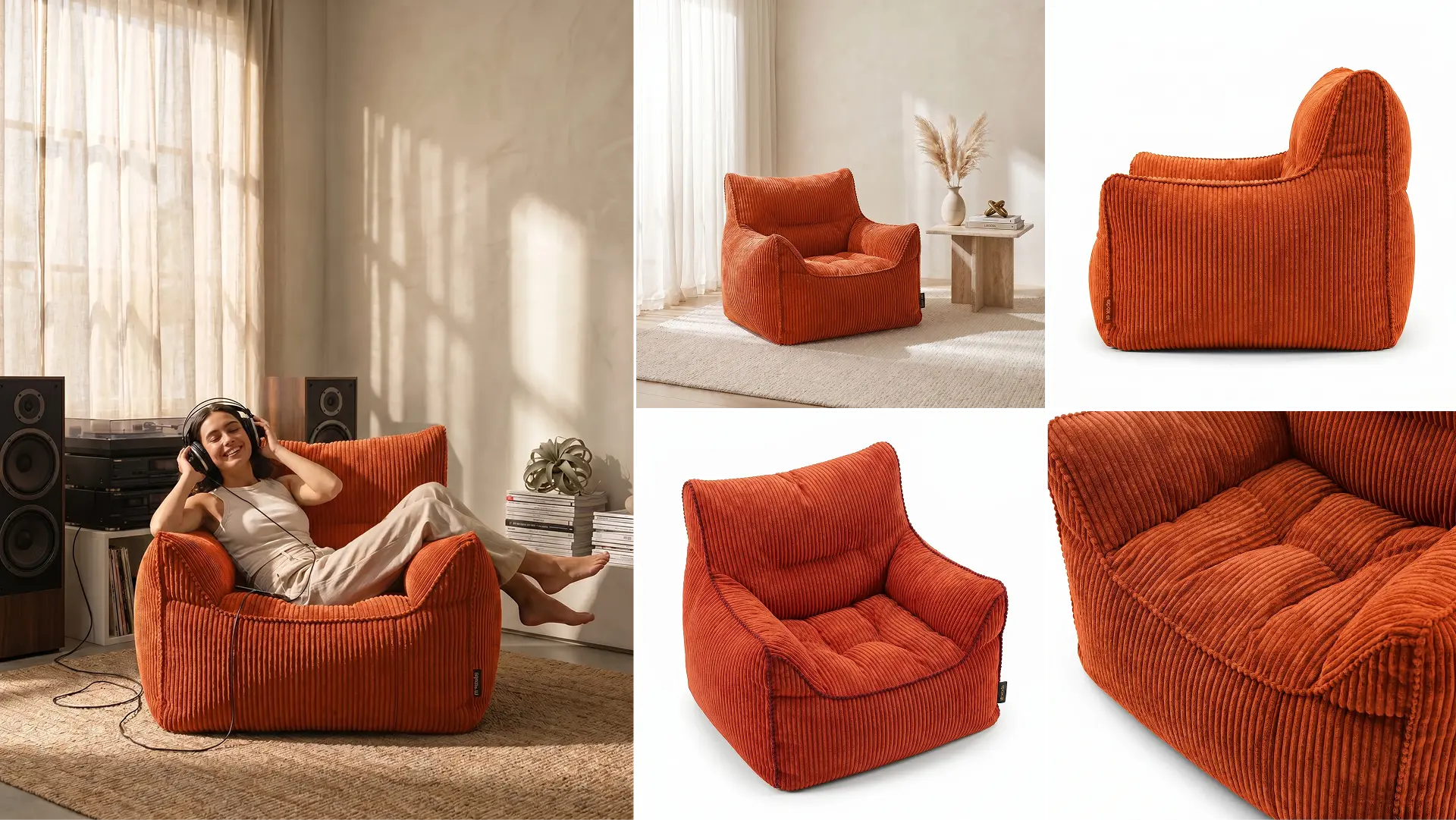
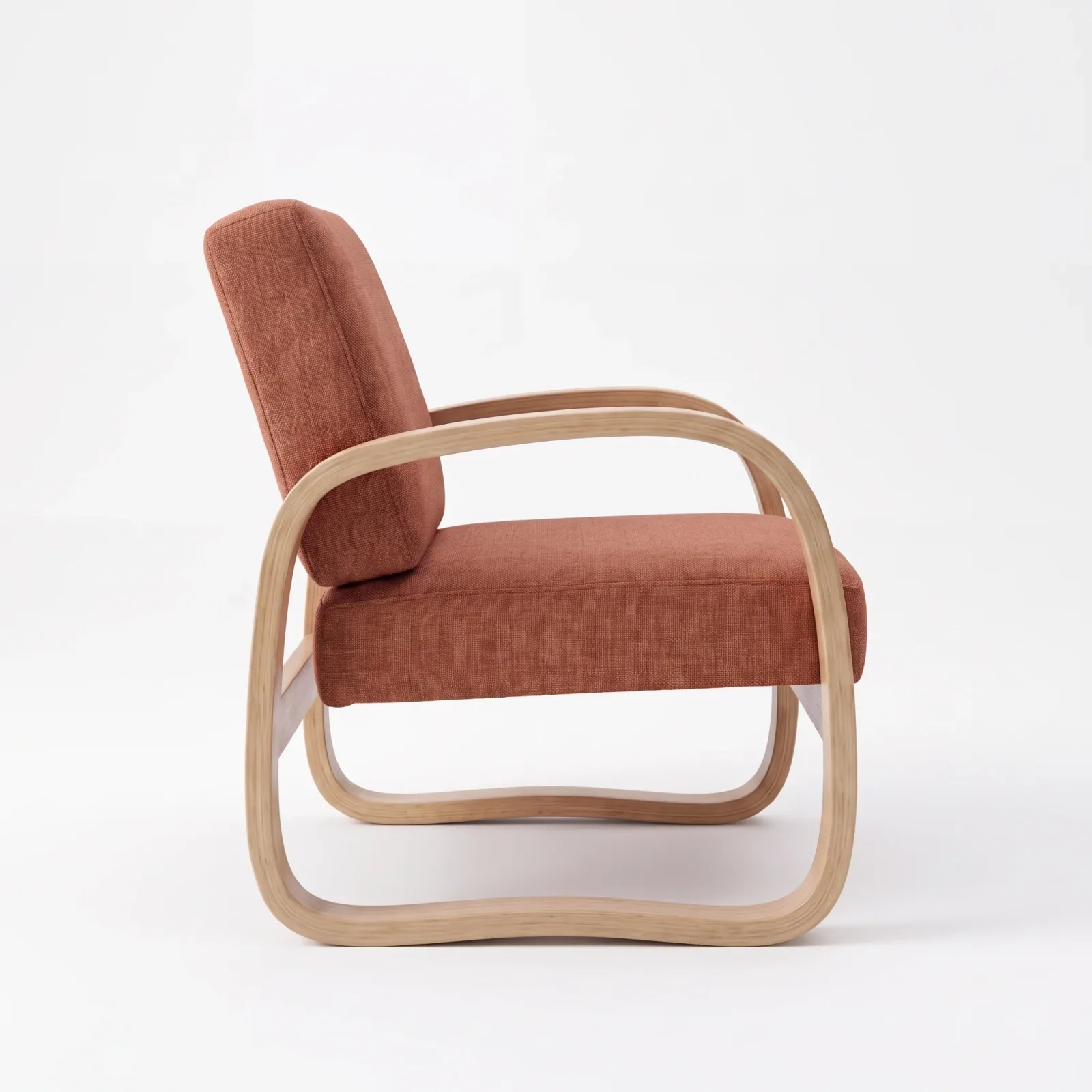

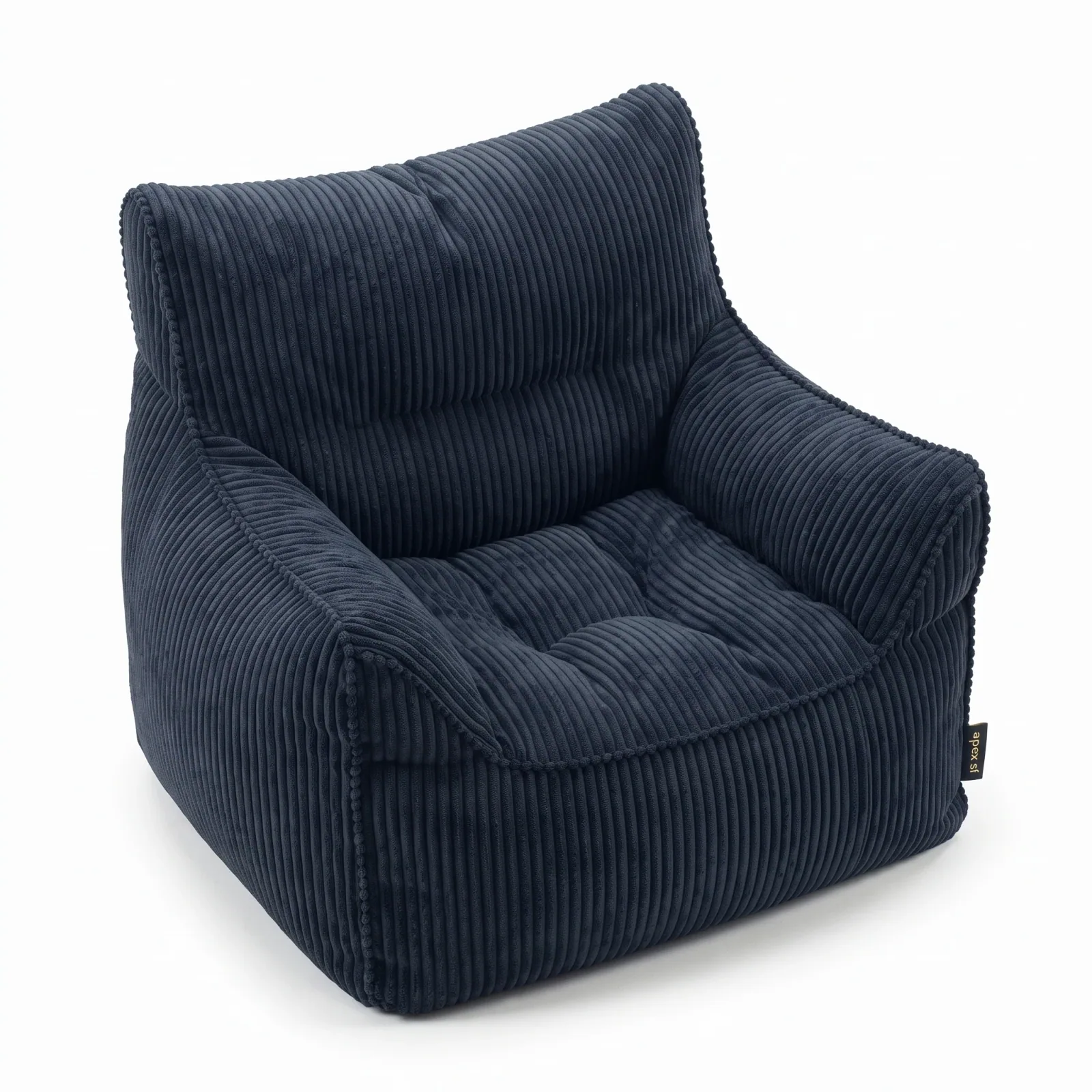
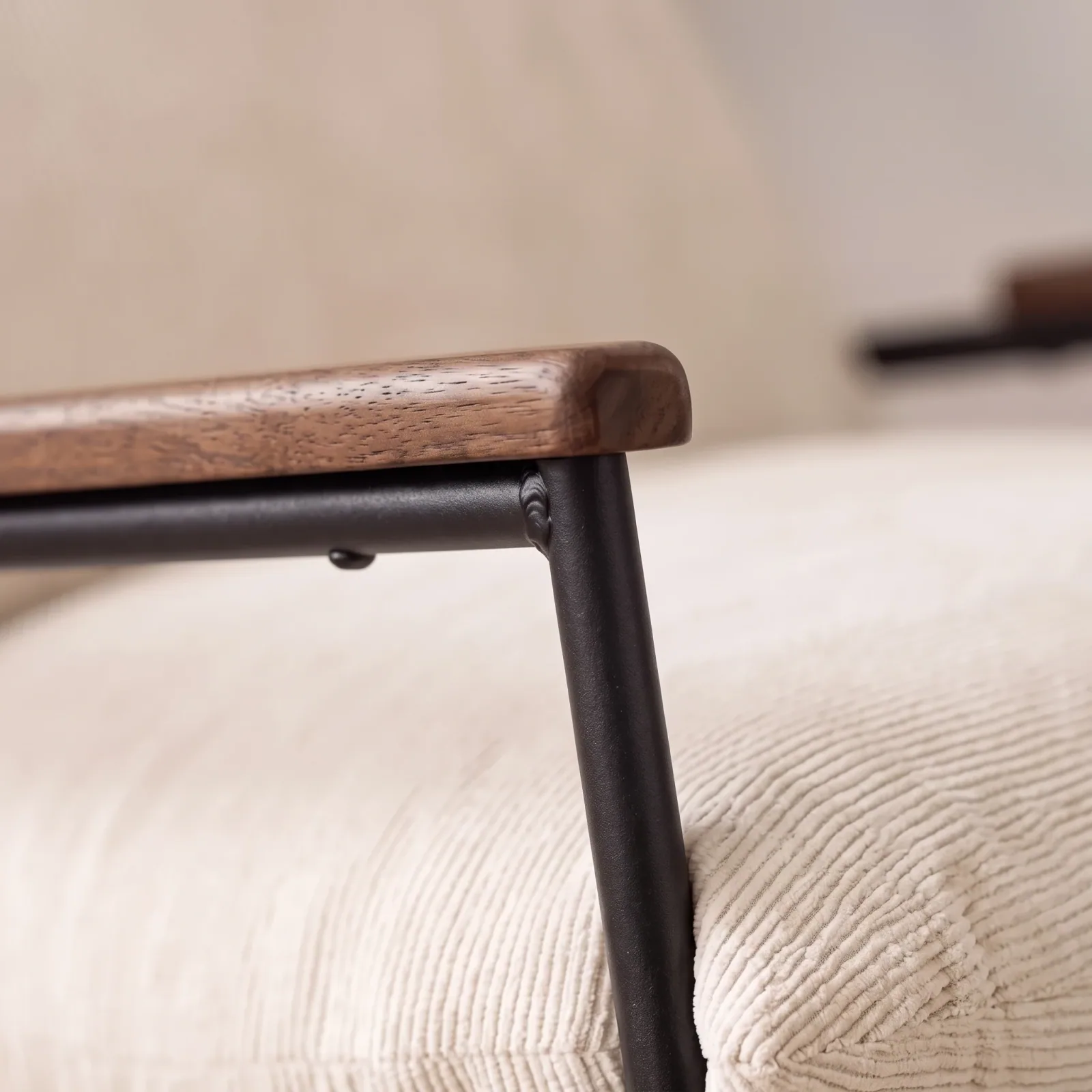
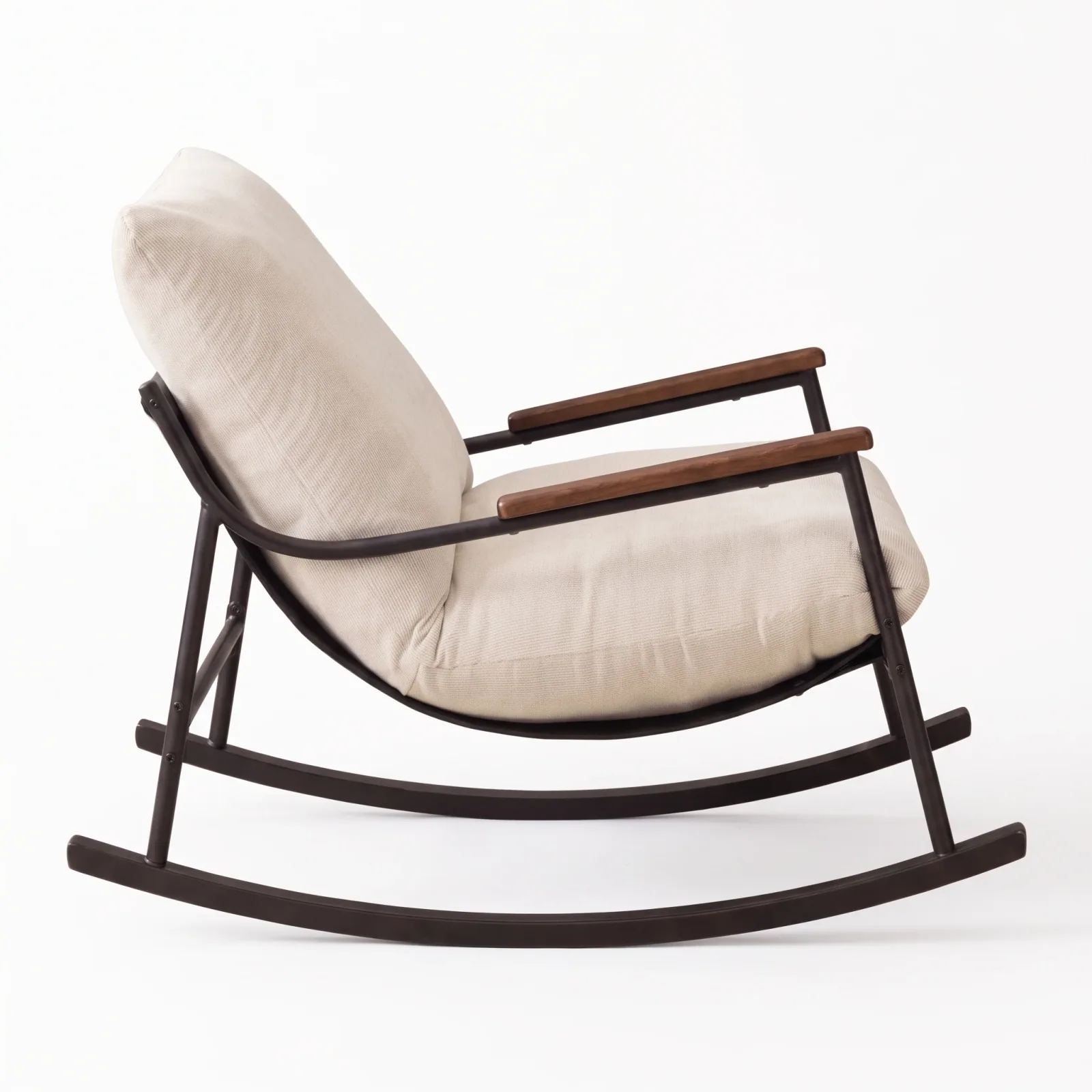
Generated in Epox from the product photo
From the supplier photo to the product page
Same chair, same weave, new scene. Hover or tap the frame to see the supplier photo it started from.
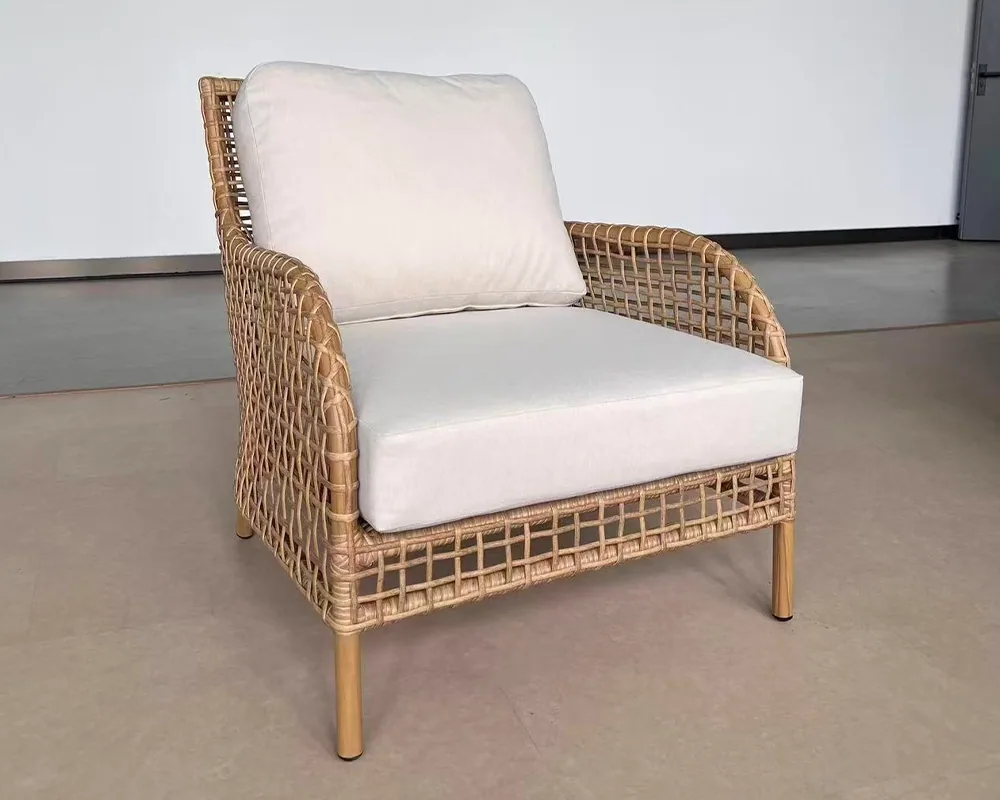

It reads the product first
Epox analyses each photo for product type, materials and texture, and writes that description into the generation prompt — so a rattan weave is asked for as a rattan weave.
One look, saved once
Lock lighting, scene, camera and framing as a template, then run it on every product in one batch.
You approve what goes live
Connect Shopify or WooCommerce and stage each image on its product page. Nothing reaches the store until you approve it.
Every shot a furniture page needs
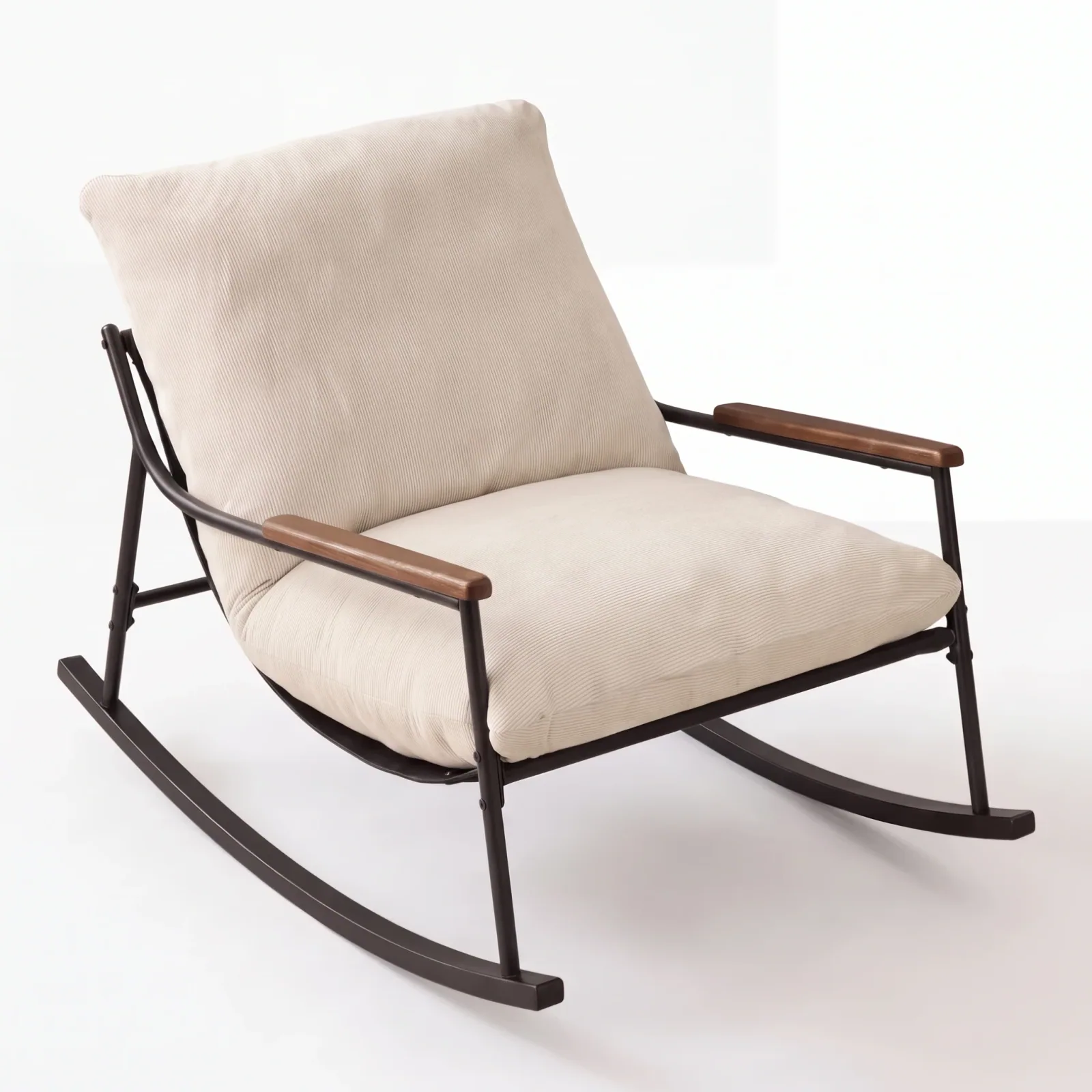
Studio packshots
Hero, three-quarter and side-profile angles on a clean, consistent ground.
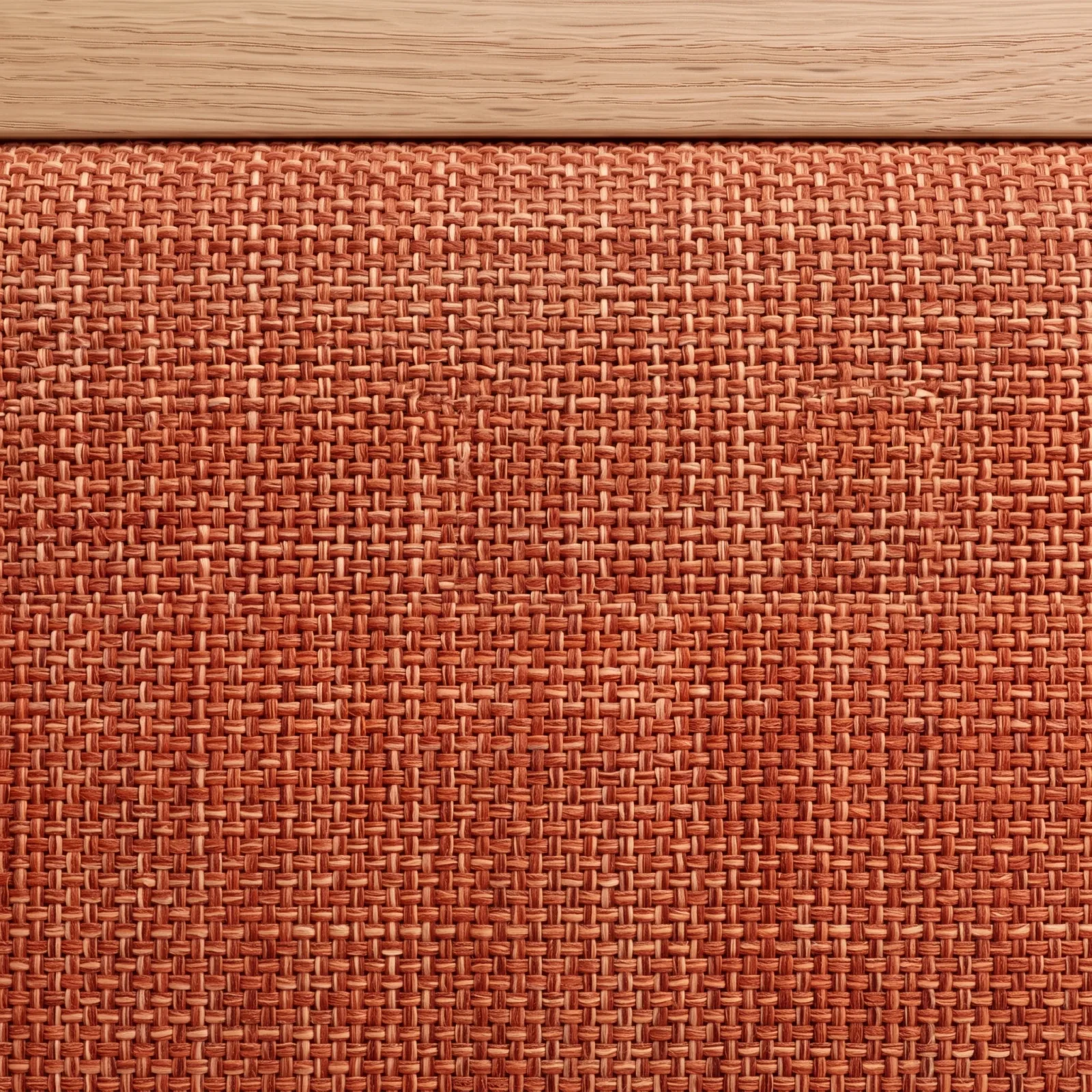
Material close-ups
A macro camera on the weave, the grain and the upholstery — the detail buyers zoom for.

Room scenes
Living rooms, bedrooms and outdoor spaces built around the piece, in the light you choose.
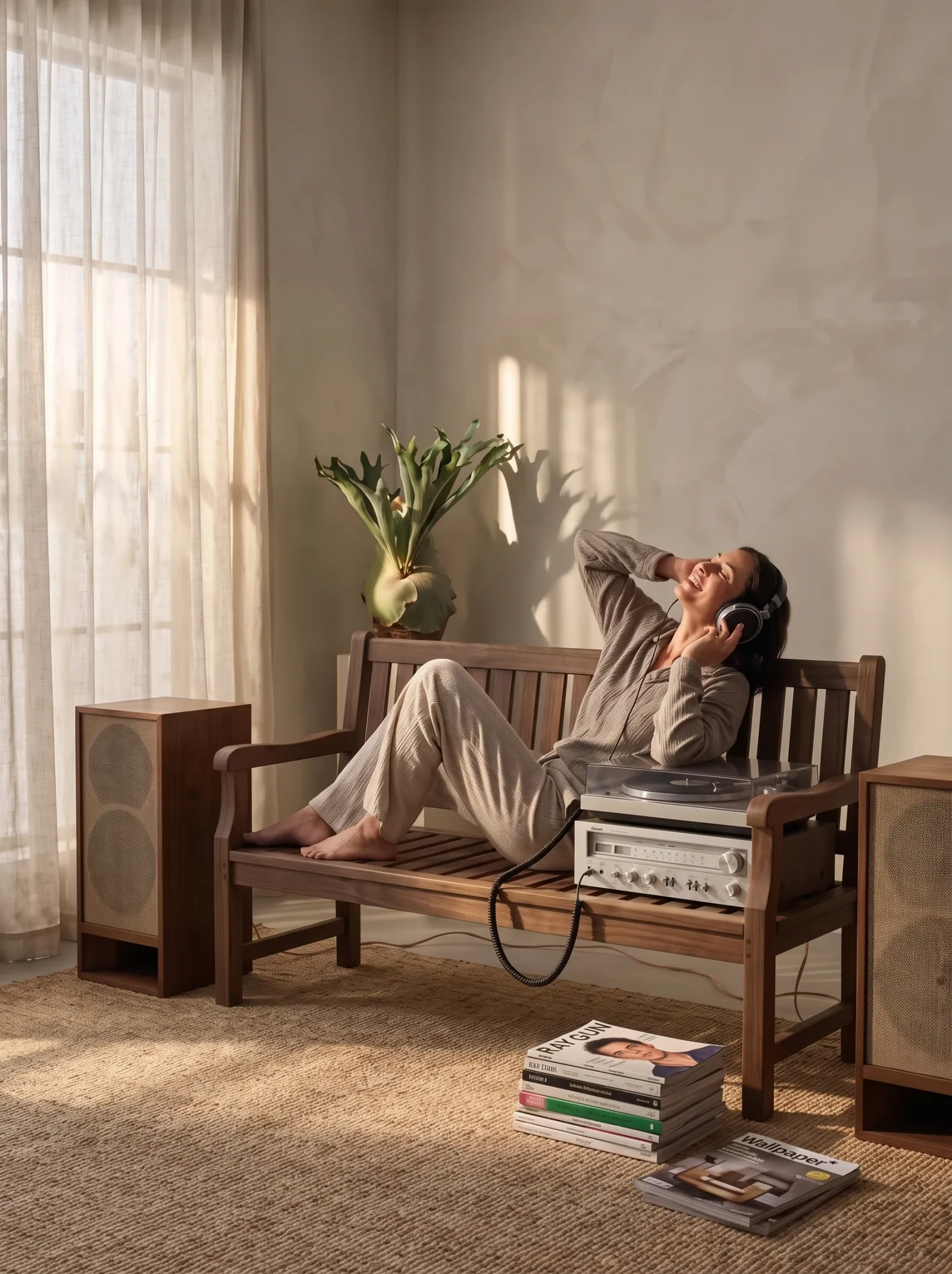
People in the scene
A model sitting, lounging or reading — for the shots that sell comfort, not just shape.
Room sets
Select several products and generate them together in one scene — here a lounge chair, a coffee table, a rug and a candle.
Generated in Epox from the product photo
Product video
Slow orbits, push-ins and an unfold-and-extend move, from the same still.
Furniture questions

Put the whole catalog in one look.
Start with the products you have photos for. Keep the shots you approve.
Start free600 credits / day · no credit card