
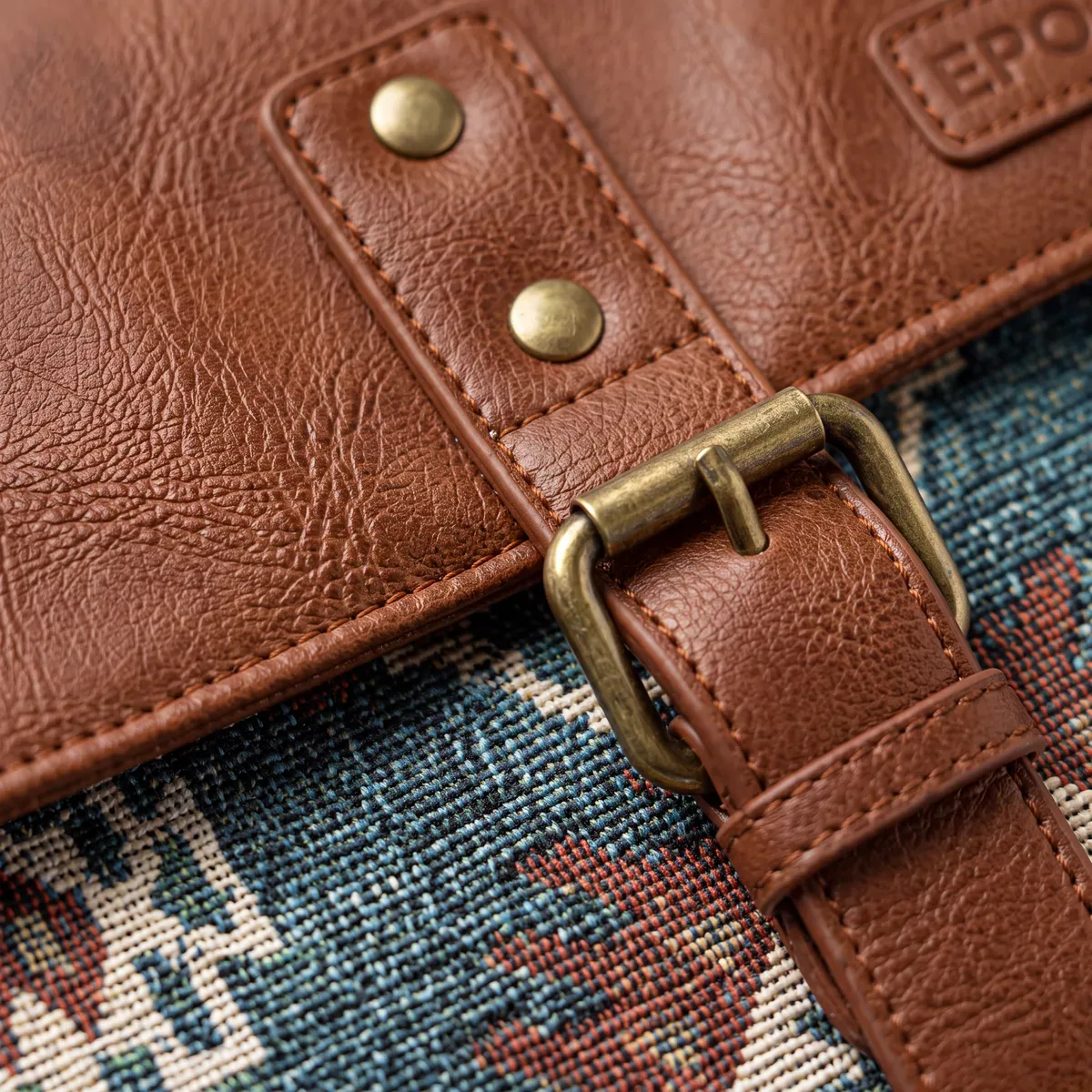
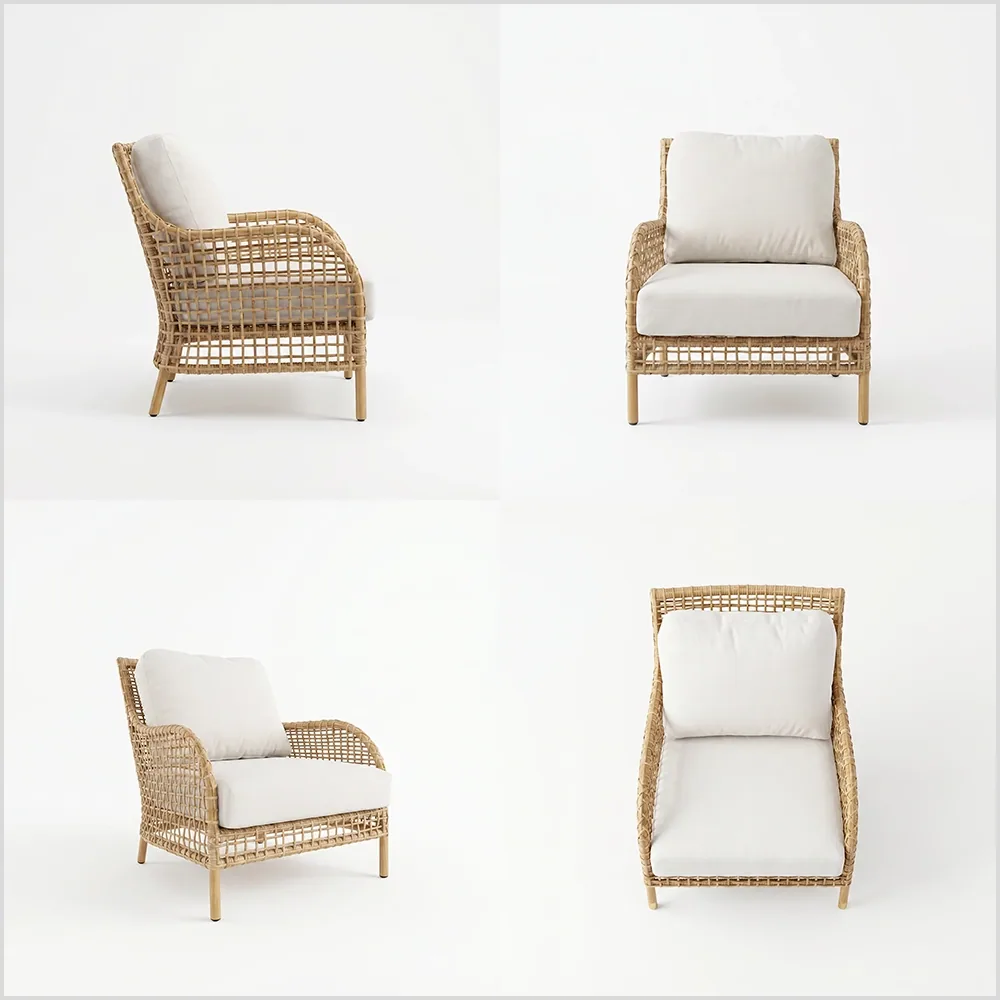

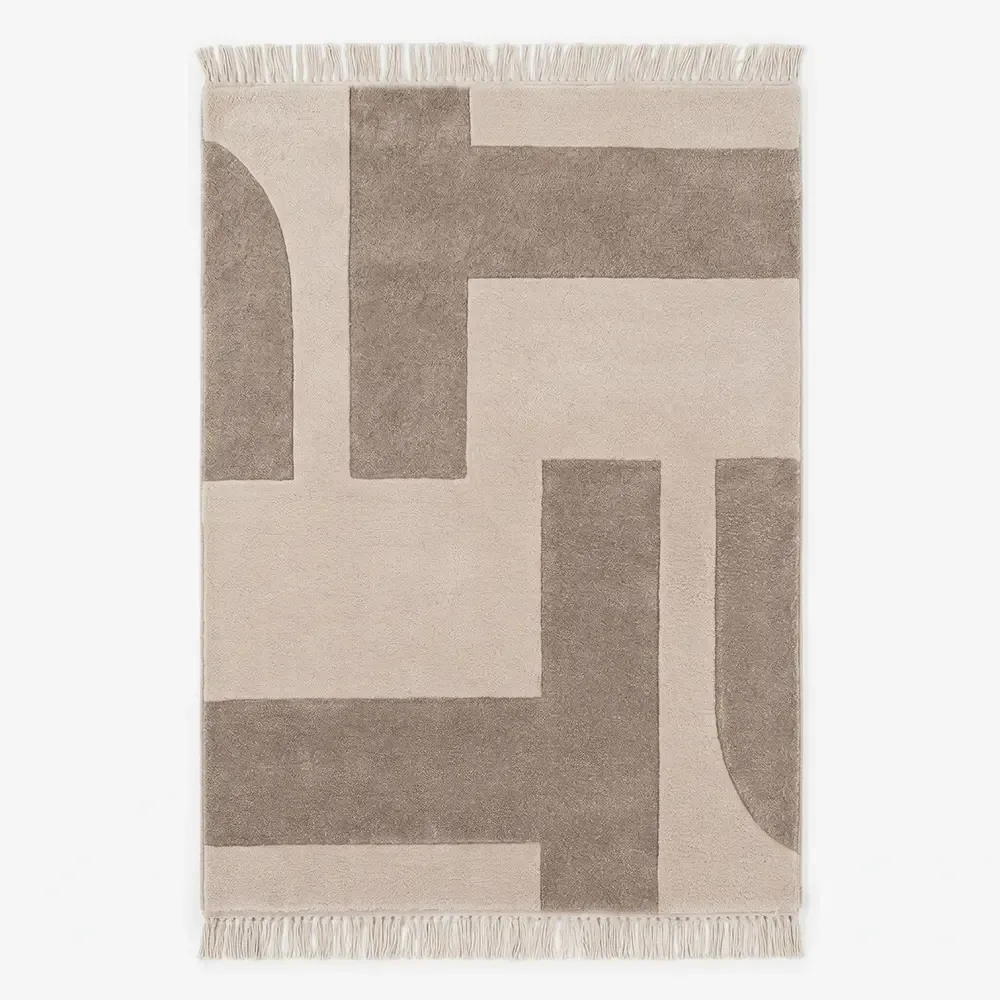
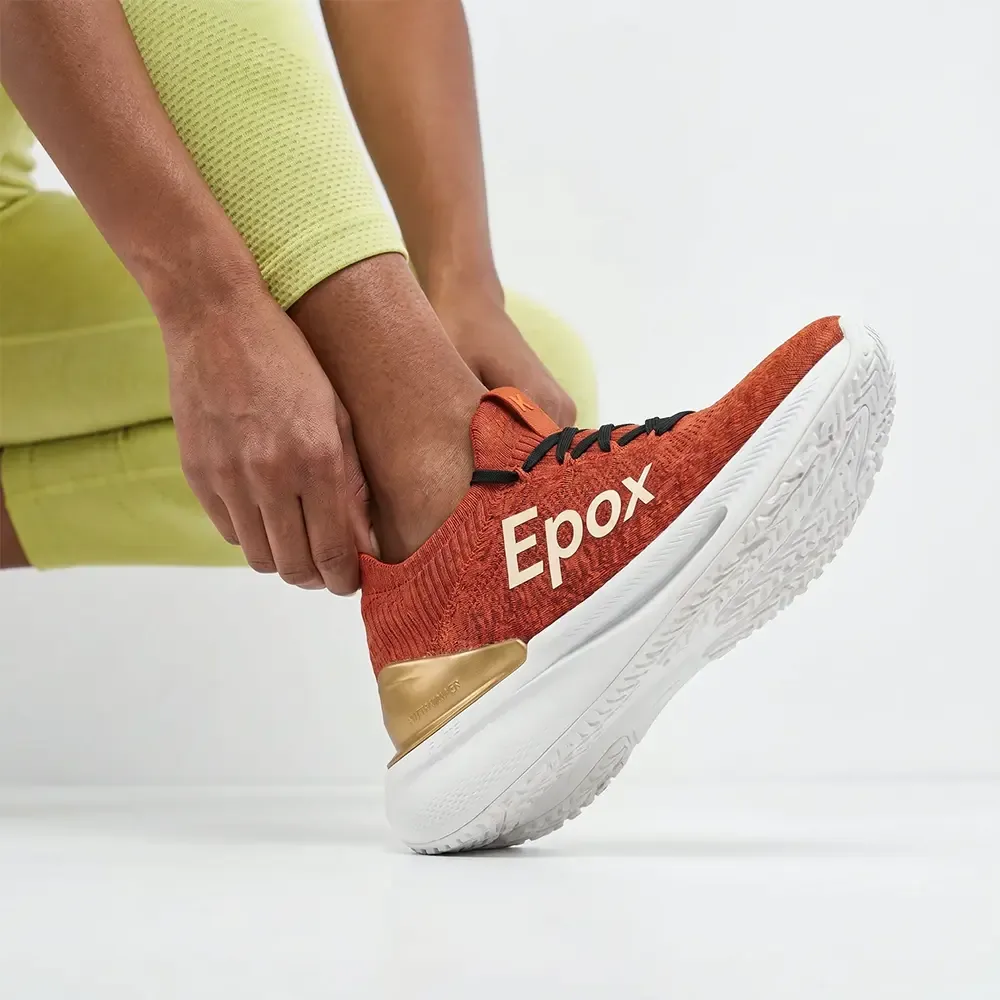
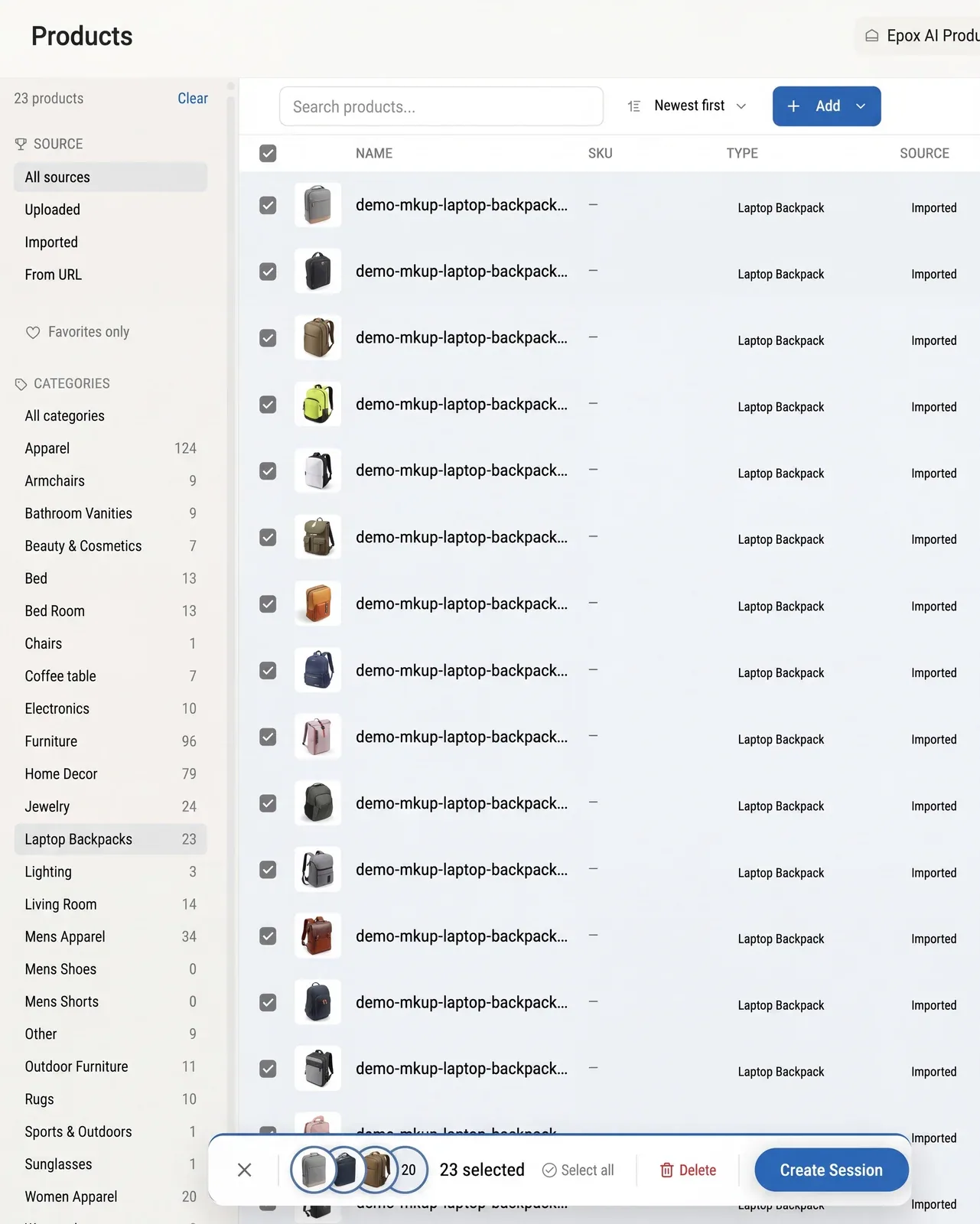
01
Import
From Shopify, WooCommerce, a URL, or upload — every product read before a shot is made.


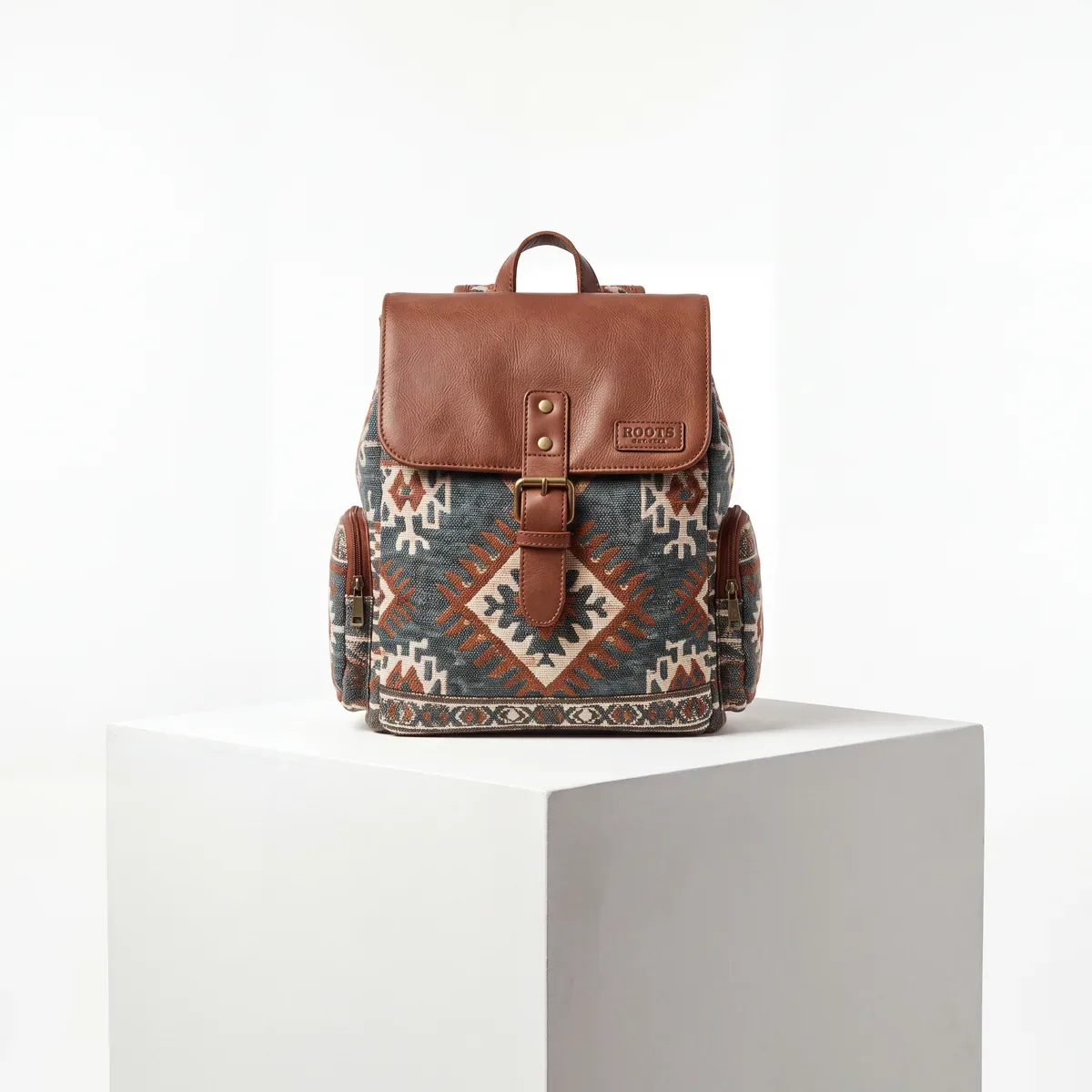
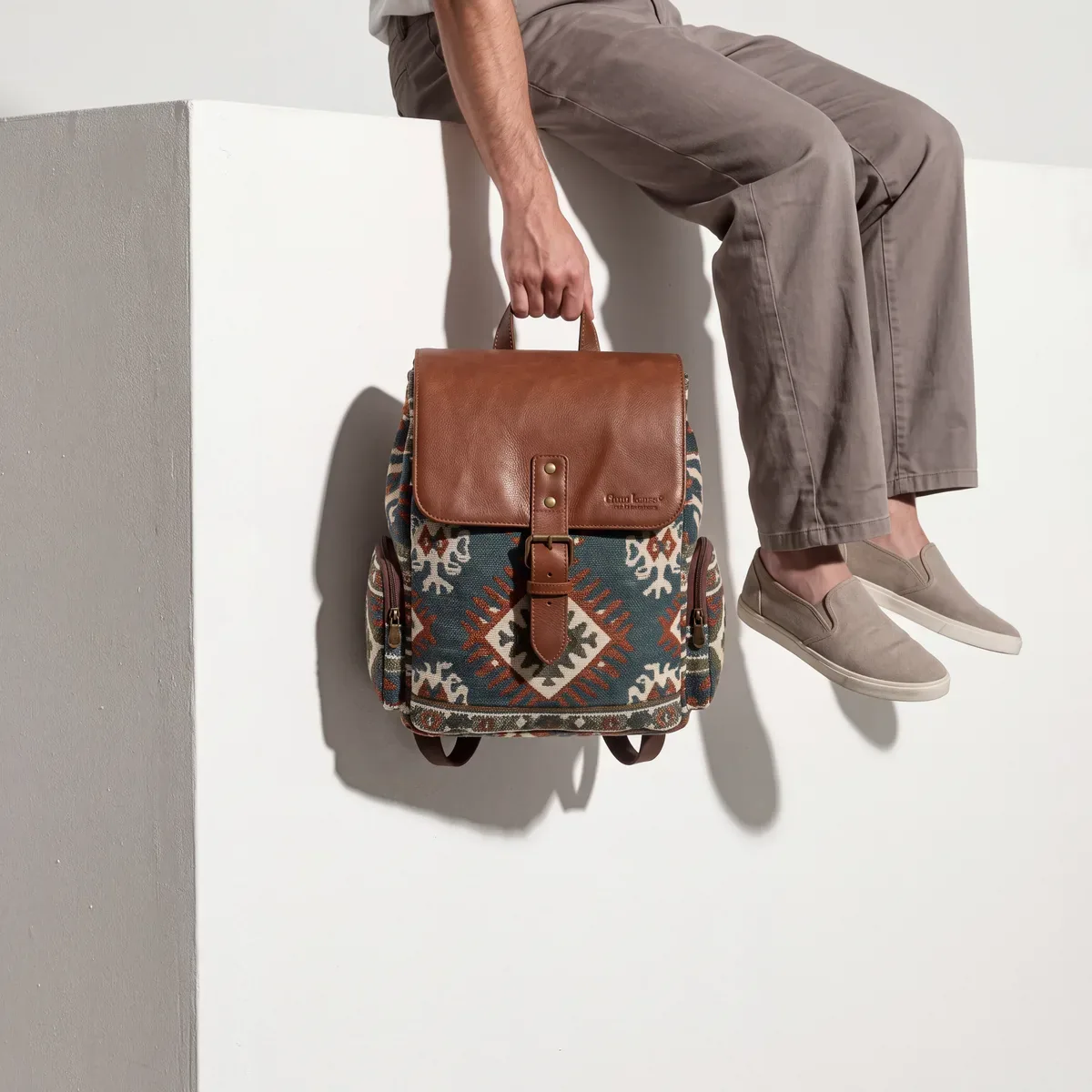
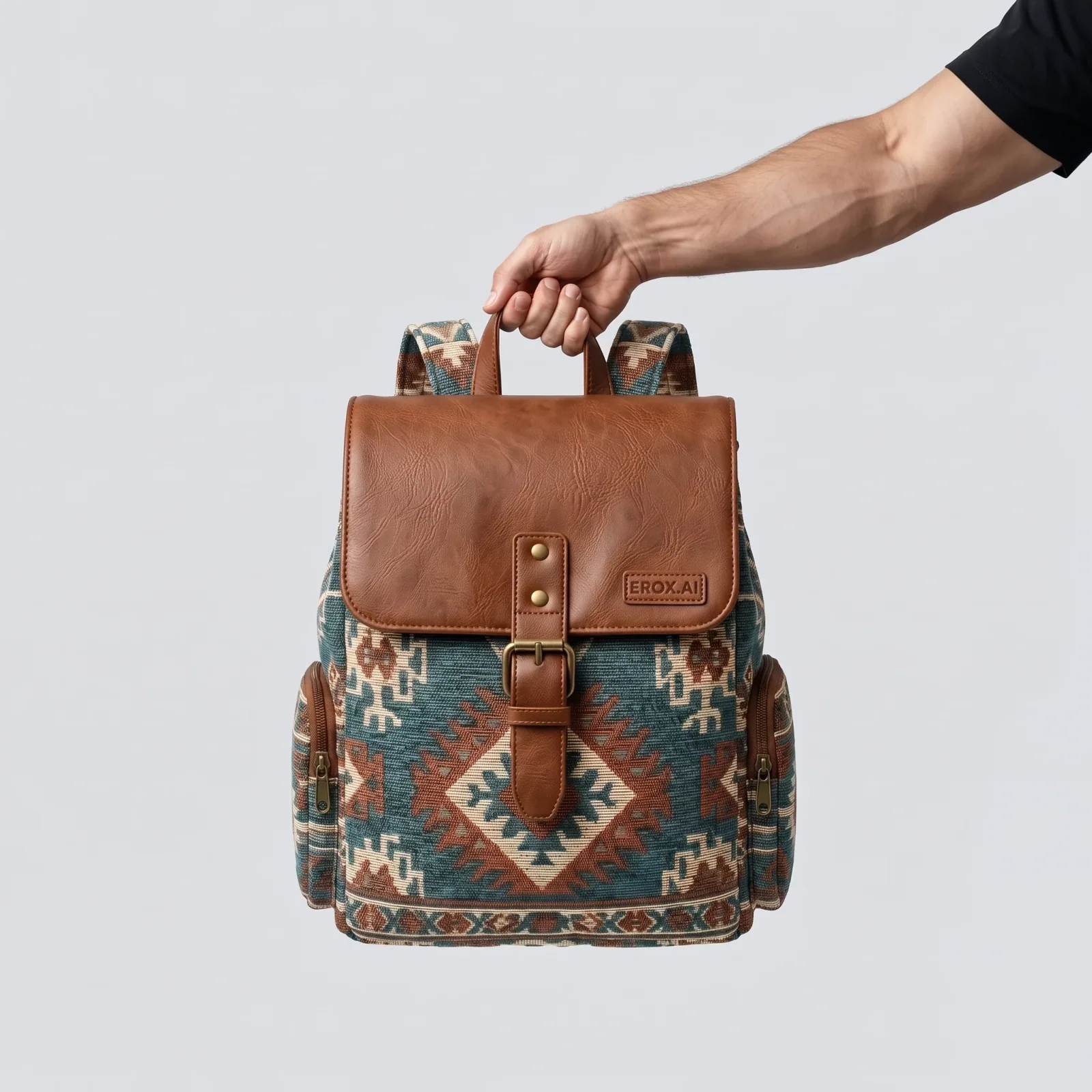
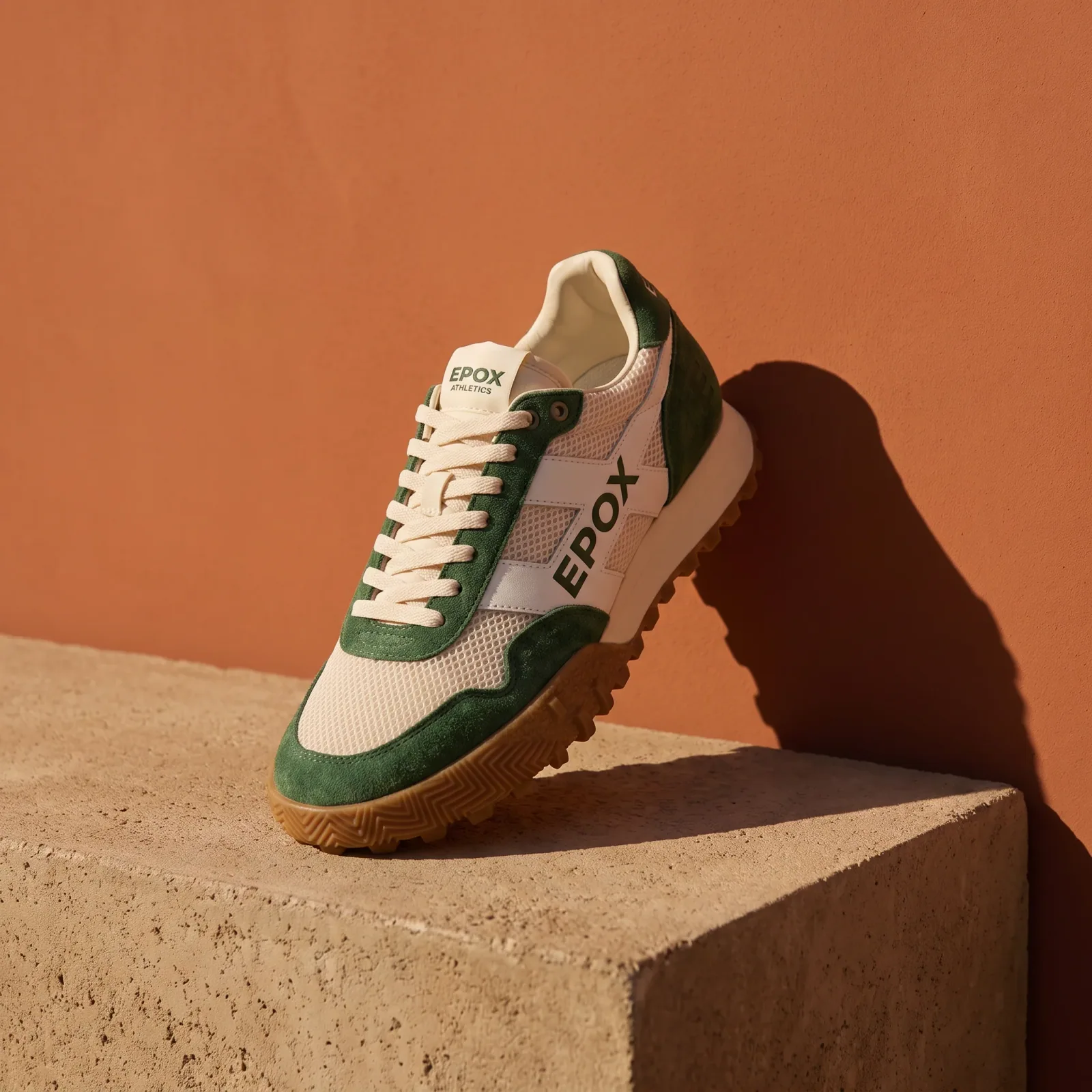
Generate on-brand packshots, lifestyle, on-model, and creative images of your real products — for one product or your entire store.
600 credits / day · no credit cardFinished packshots, lifestyle, on-model, and creative images — all generated from real products.
From a sentence to every setting — give as much direction as you want.
Describe the shot in plain words — or drop a reference — and Epoxy sets the style, lighting, camera, and scene for you.
Or set every setting by hand — style, lighting, camera, scene, colours — and save the setup as a template.
Or upload an image: match its style, copy its scene, or drop your product straight into it.
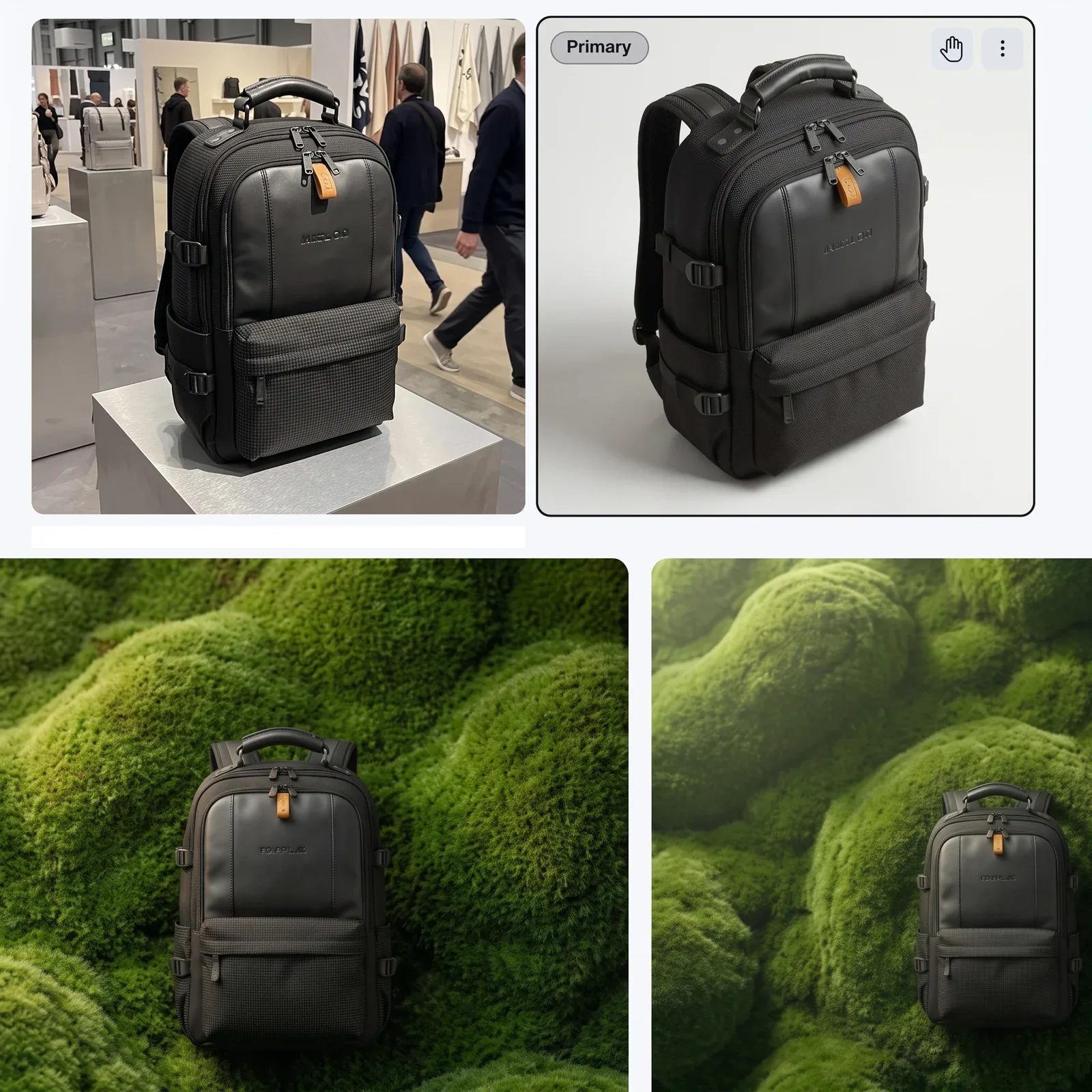
Import a product with up to 30 images and Epox reads its type, materials, and colours before it generates a single shot — so what comes back is the product you sell, not a generic model’s guess at it.
Every product page needs the same core set — a clean packshot, a lifestyle scene, an on-model shot where it fits, and creative for ads and social. Generate all of it from the same product, in one place.
PackshotsLifestyleOn-modelCreative

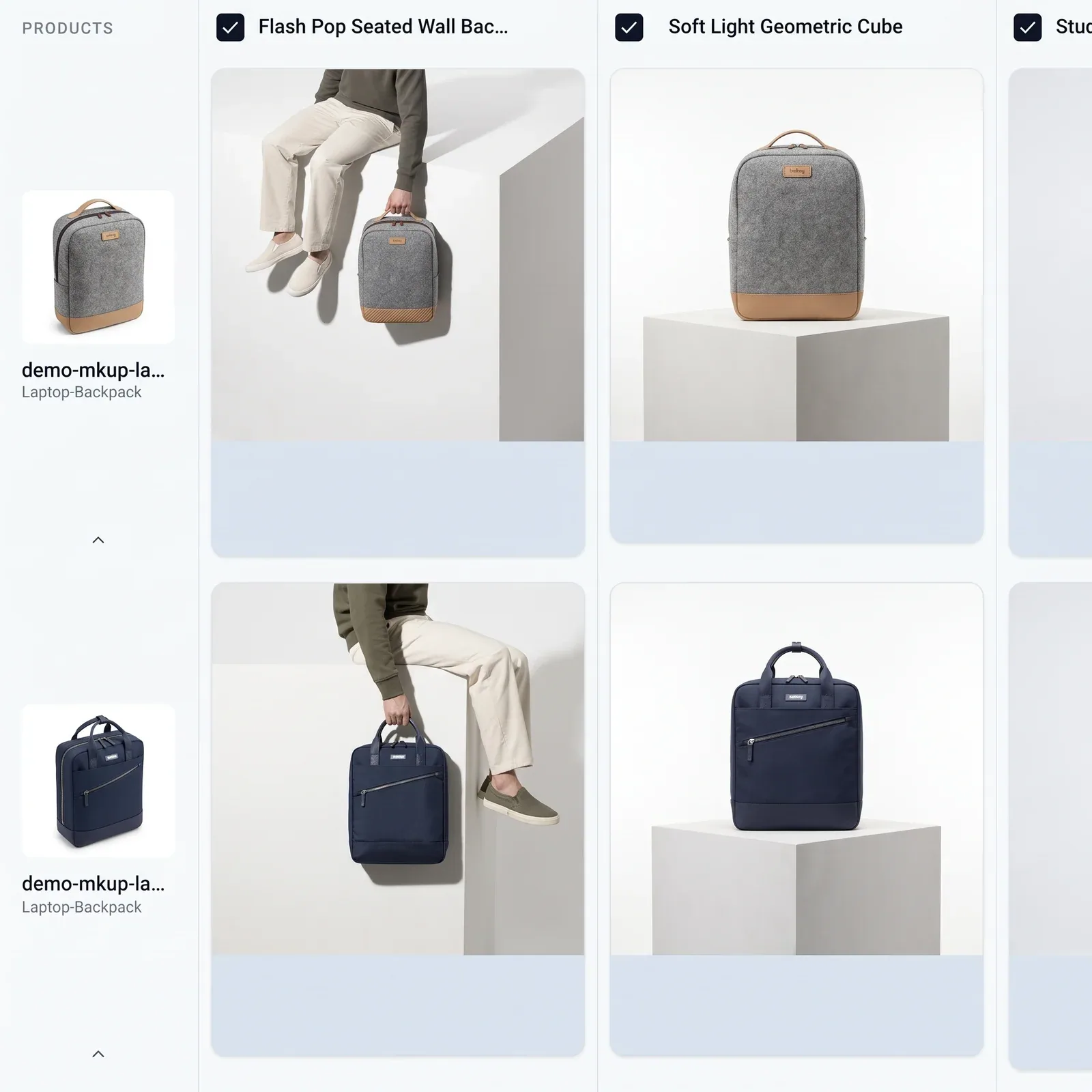
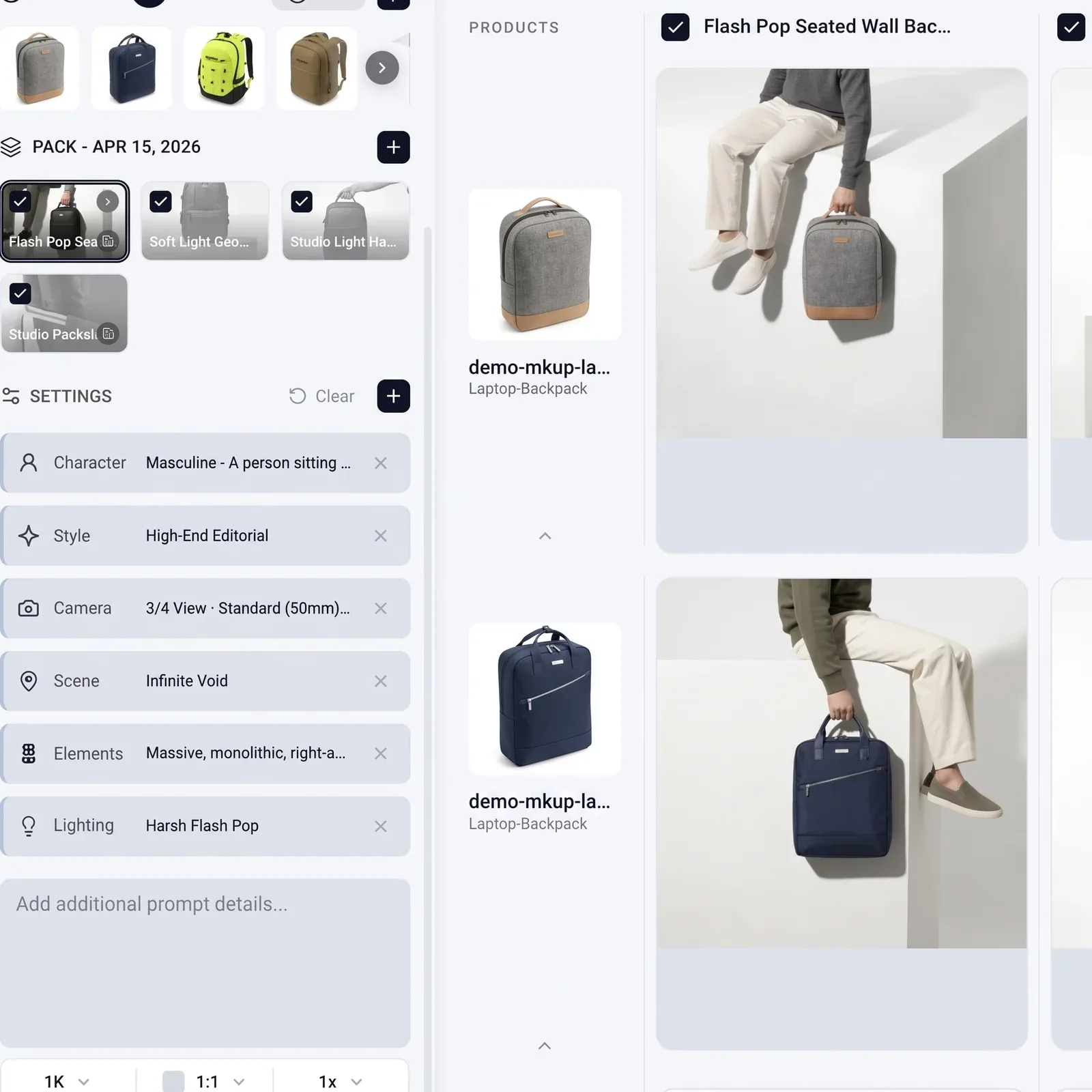
Dial in a look — style, lighting, scene, camera — and save it as a template. Every product you run through it comes back matching, the first and the five-hundredth.
Stack several looks into a pack and one run renders them all — or describe the look in plain words and Epoxy builds the template for you.
Point Epox at your product feed and run a template — or a whole pack — across every SKU at once. Every product comes back with the same look applied.
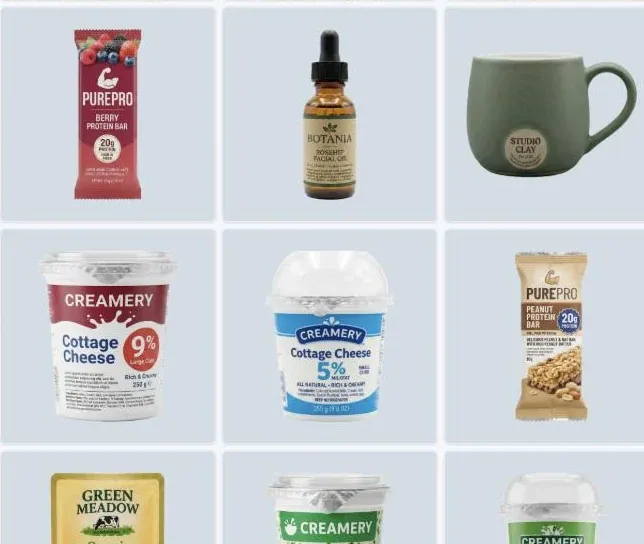
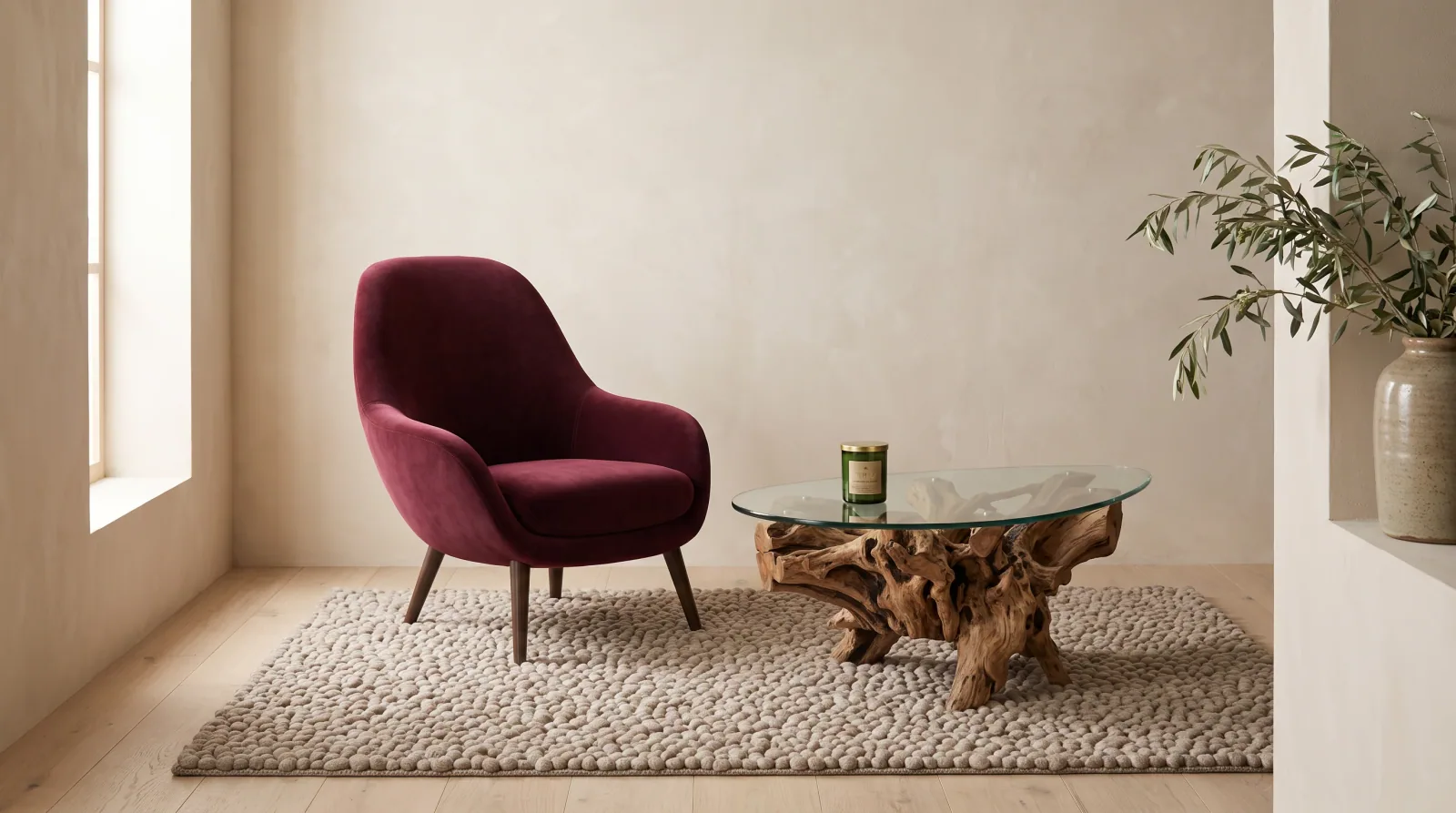
Put several products into a single scene — a full table setting, a styled shelf, a complete outfit — composed together instead of shot one at a time.
Everything around generation — importing your products, organizing what you make, and pushing it live.
From Shopify, WooCommerce, a URL, or upload — every product read before a shot is made.
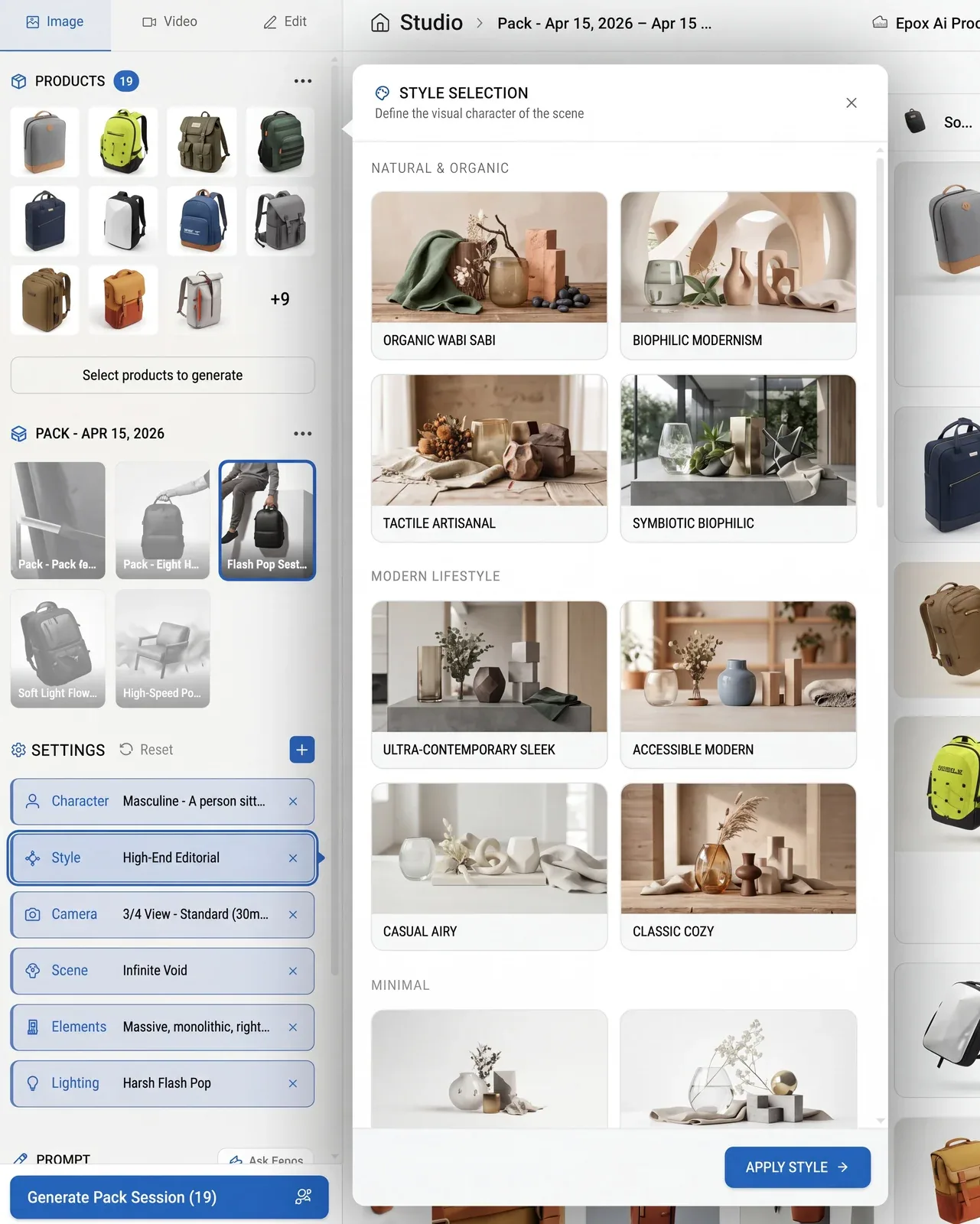
Packshots, lifestyle, on-model, and creative. Save your look once and run it in batch.

One library for everything you make — search by SKU or category, mark favourites, group into projects.
Push finished images straight to the right product page, or download a whole session. Nothing goes live until you approve.
Connect a flow to your store and Image Studio runs on its own — on a new product, an update, or a new collection, narrowed to a category or tag if you want.
Every image is generated against your templates, and waits for your approval before anything goes live.
Flow is available on the Agency plan, for stores connected to Epox.
Open a free account →