


On-model shots for every style in the collection
Put each garment on a model in the studio or on location, keep the same look across the collection, and add packshots, details and video from the same product photo.
600 credits / day · no credit card
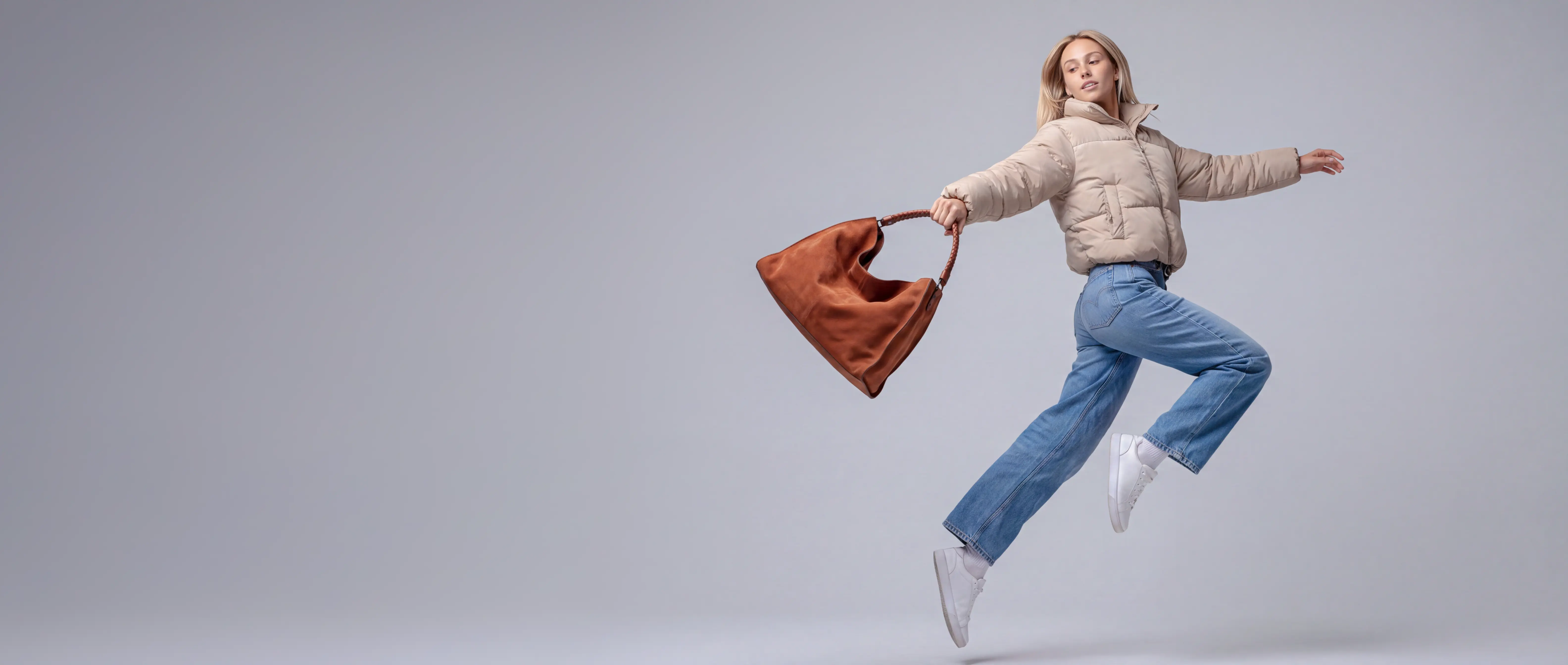
One garment. Studio, street and station.
Every garment on a model — in the studio, on location, down to the shoes and eyewear — each from its own product photo.
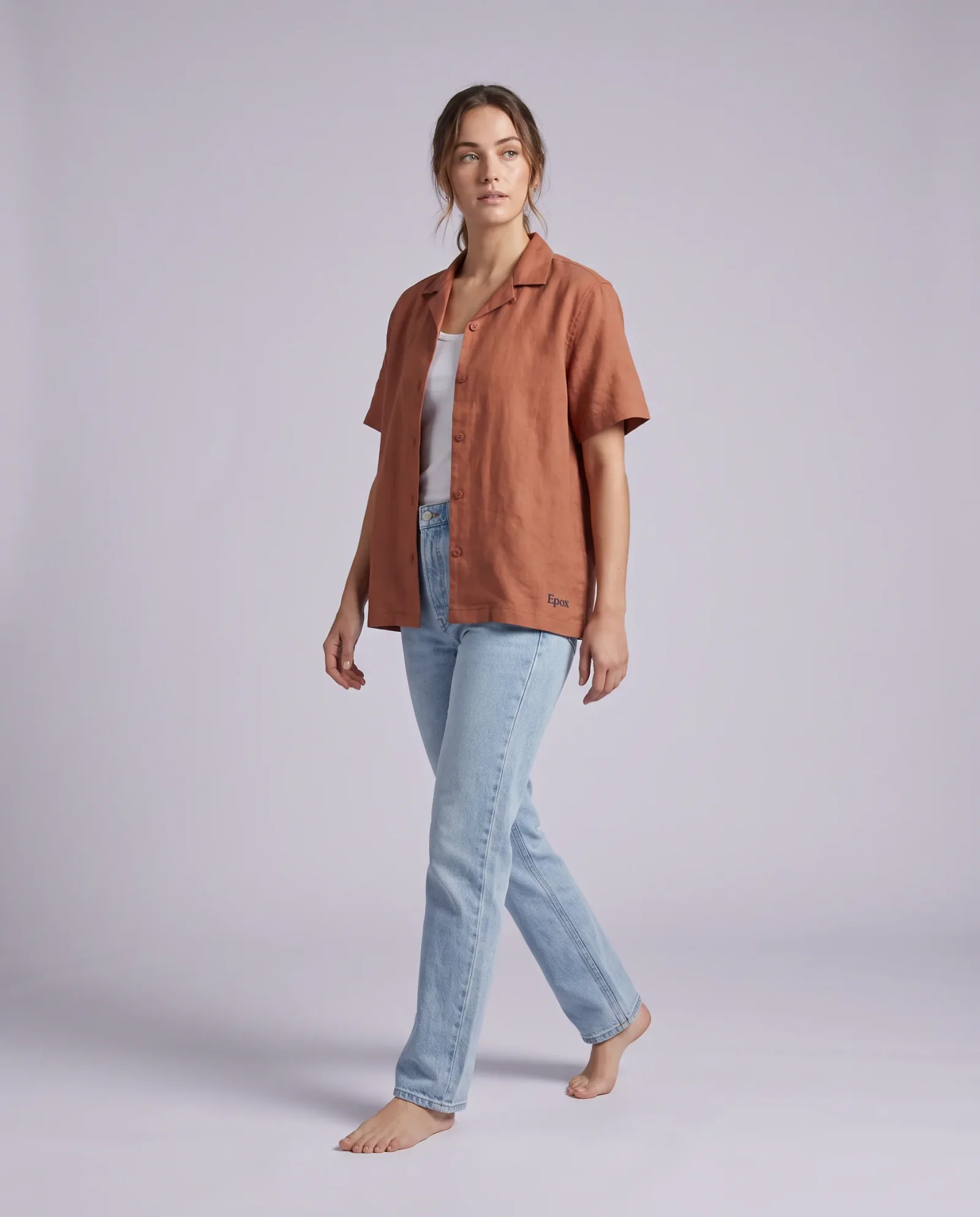
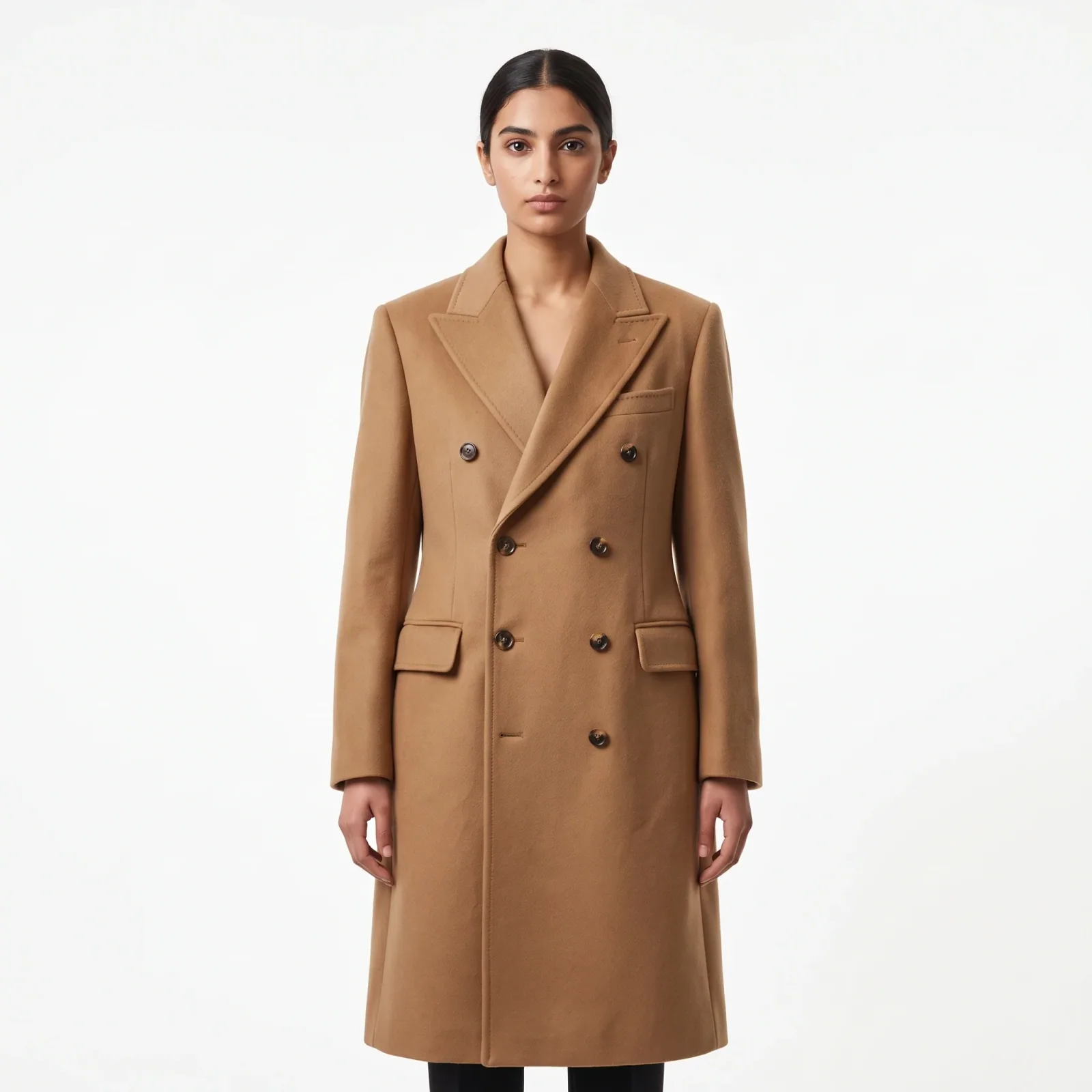
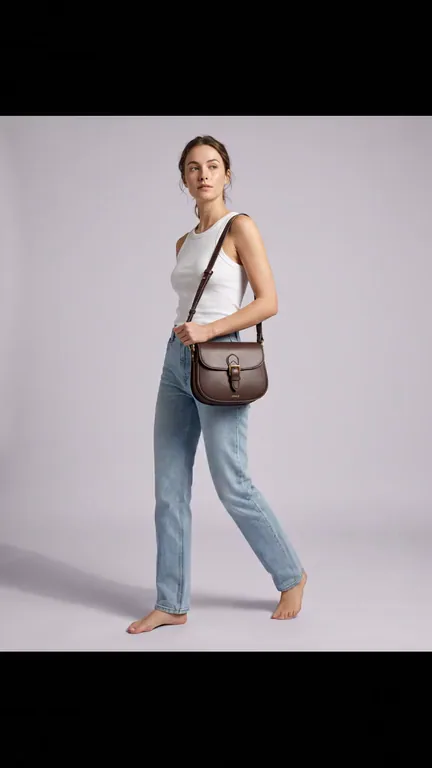
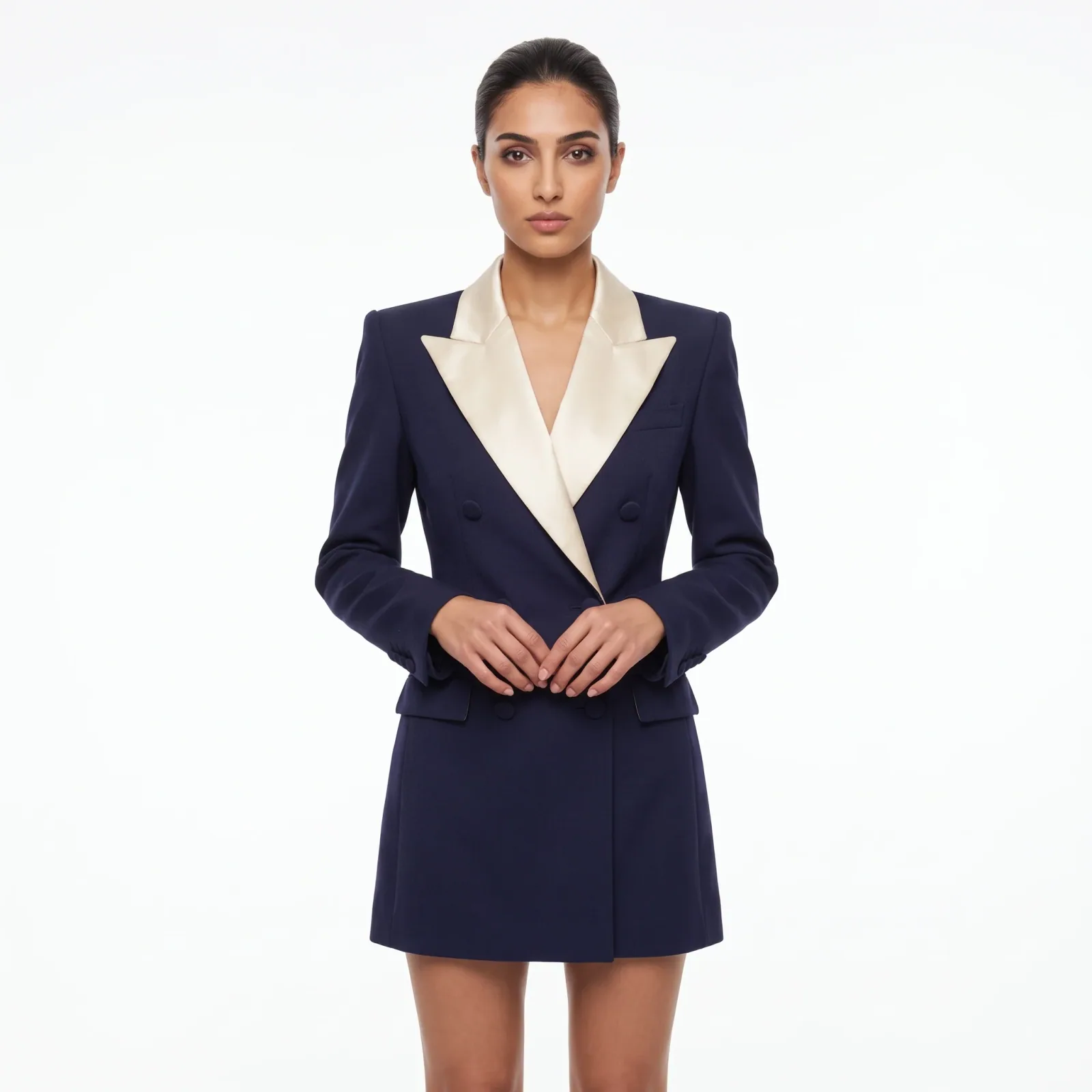
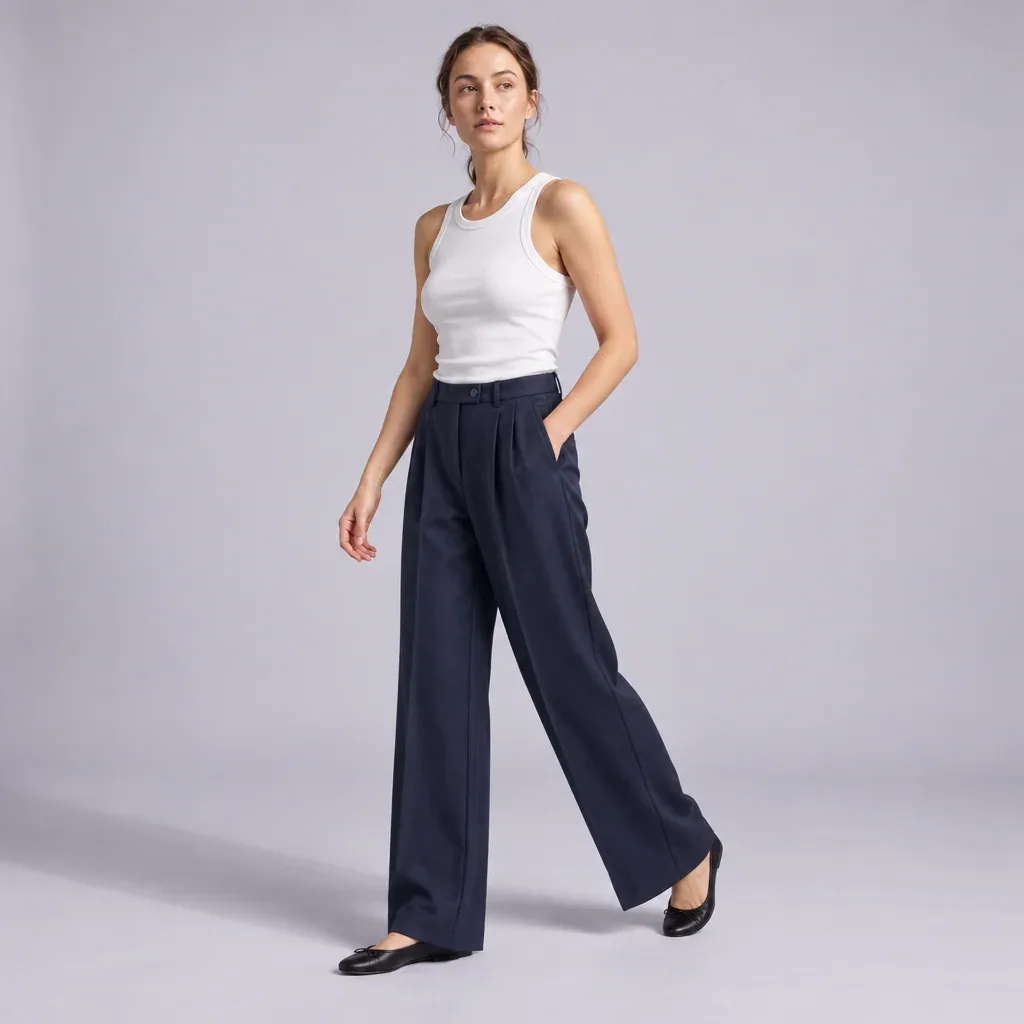
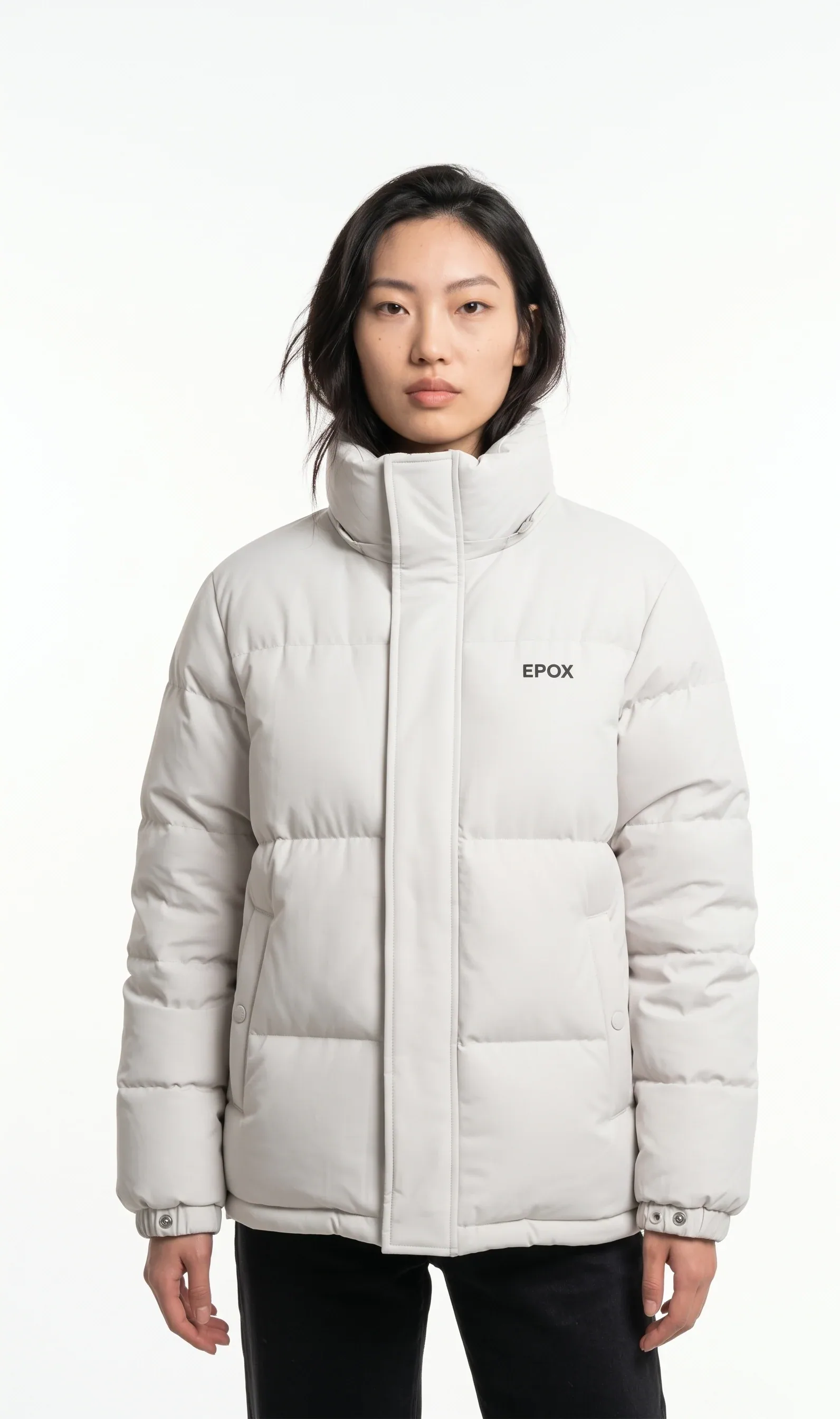
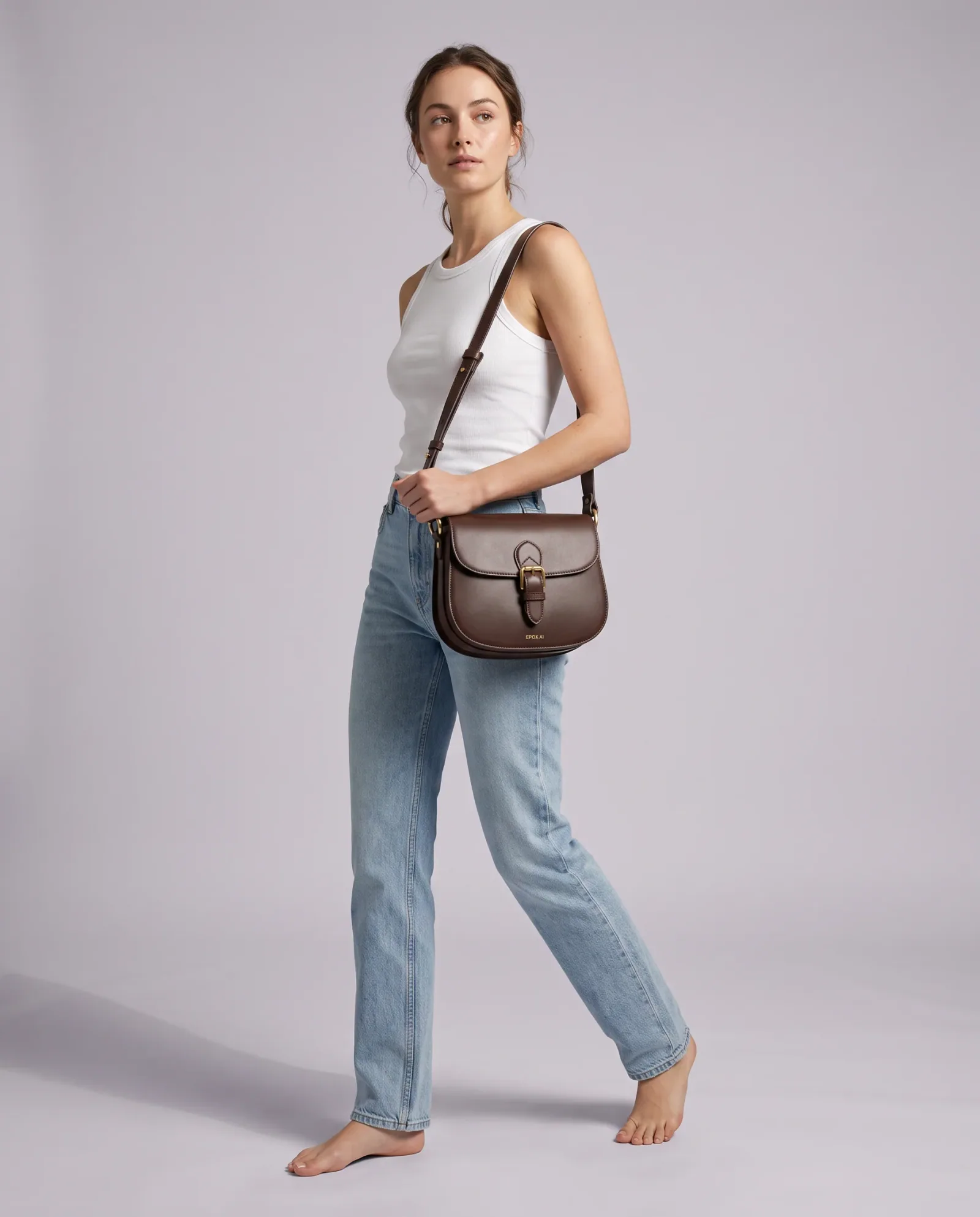
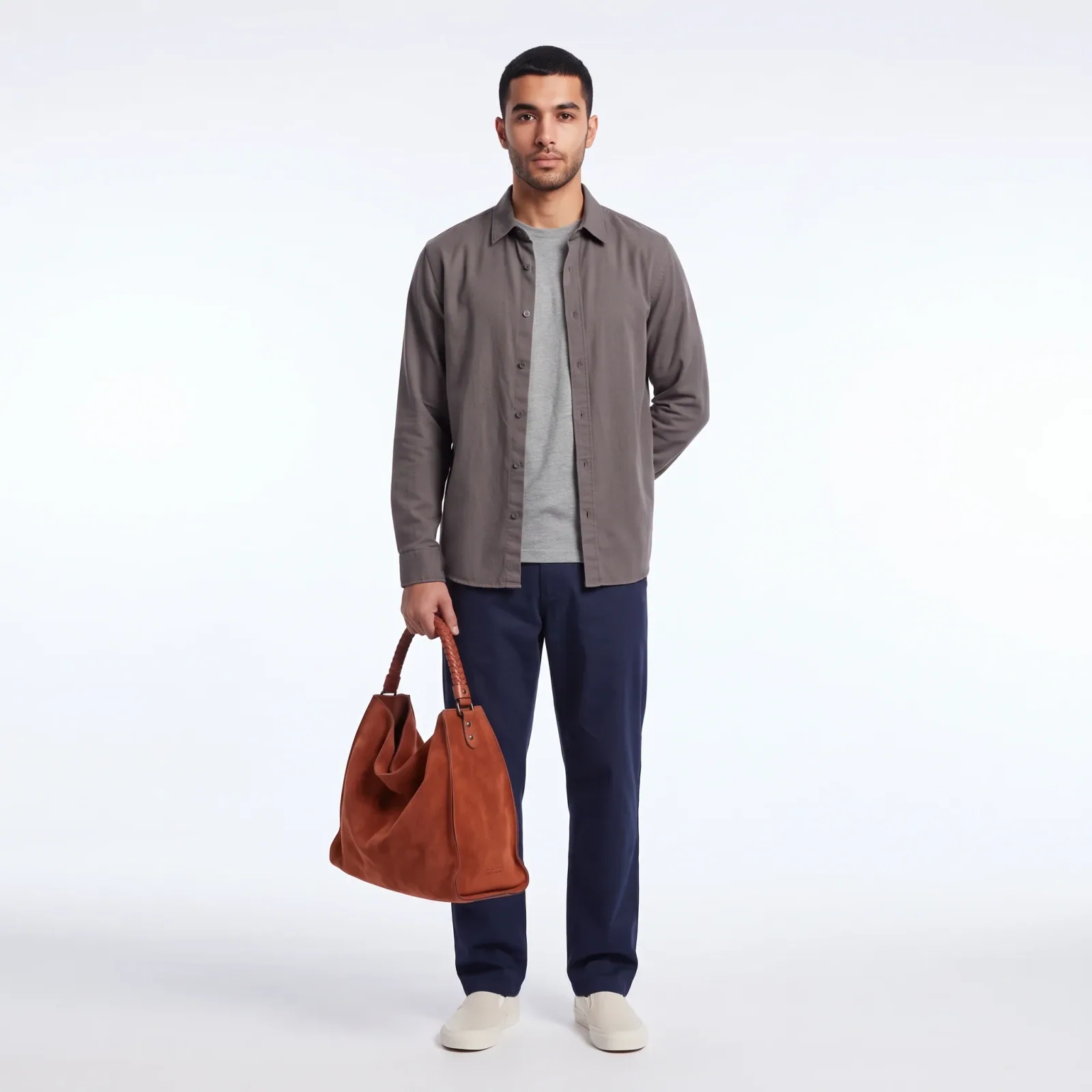
Generated in Epox from the product photo
The full set, from one product photo
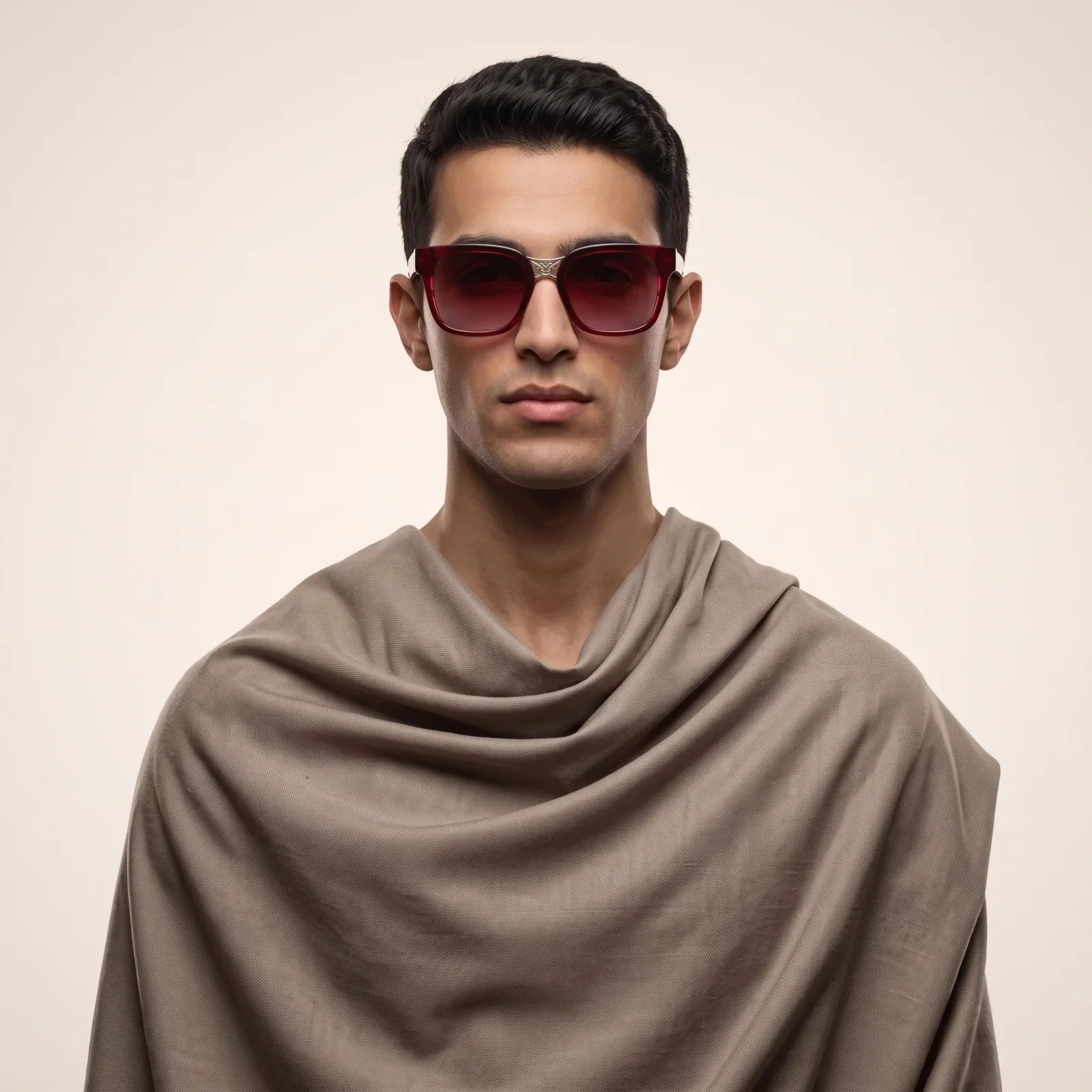
On-model, in the studio
A model wearing the product on a clean ground — the shot every product page leads with.
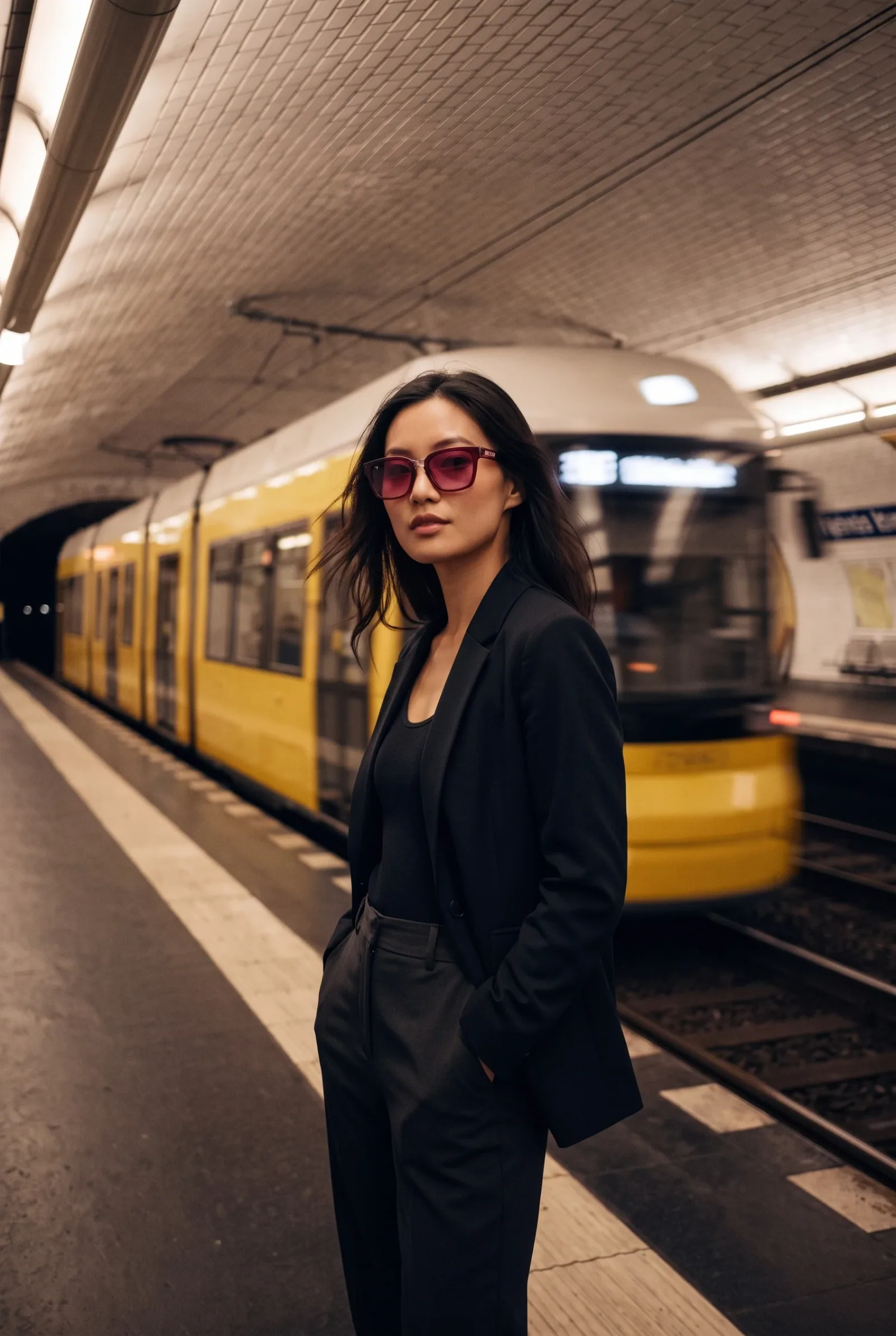
On-model, on location
The same model and the same product, moved to the street, the station or the city.
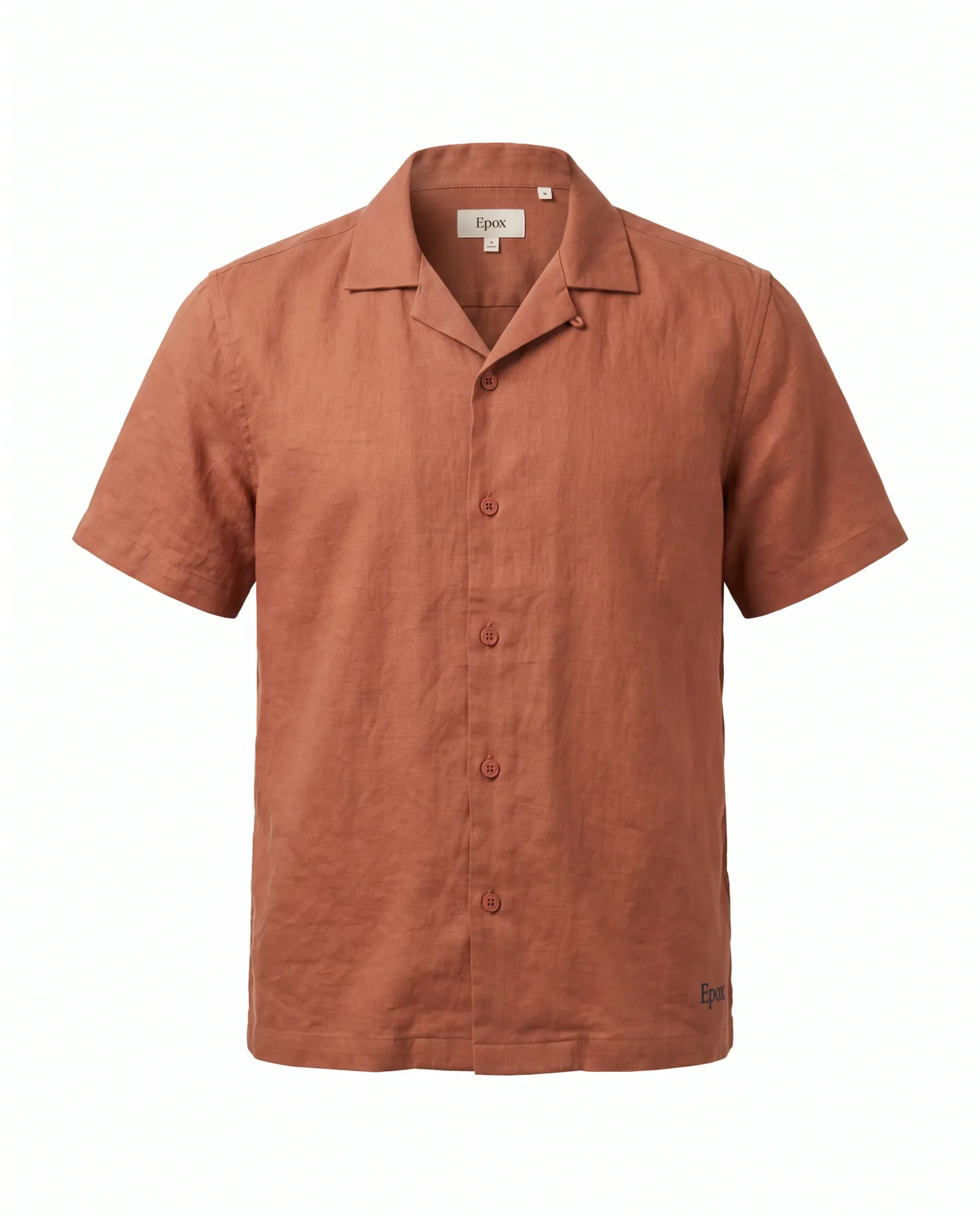
Ghost mannequin & flat lay
Built-in scene presets for clothing: floating front, three-quarter and back views, or folded and laid flat.
Generated in Epox from the product photo
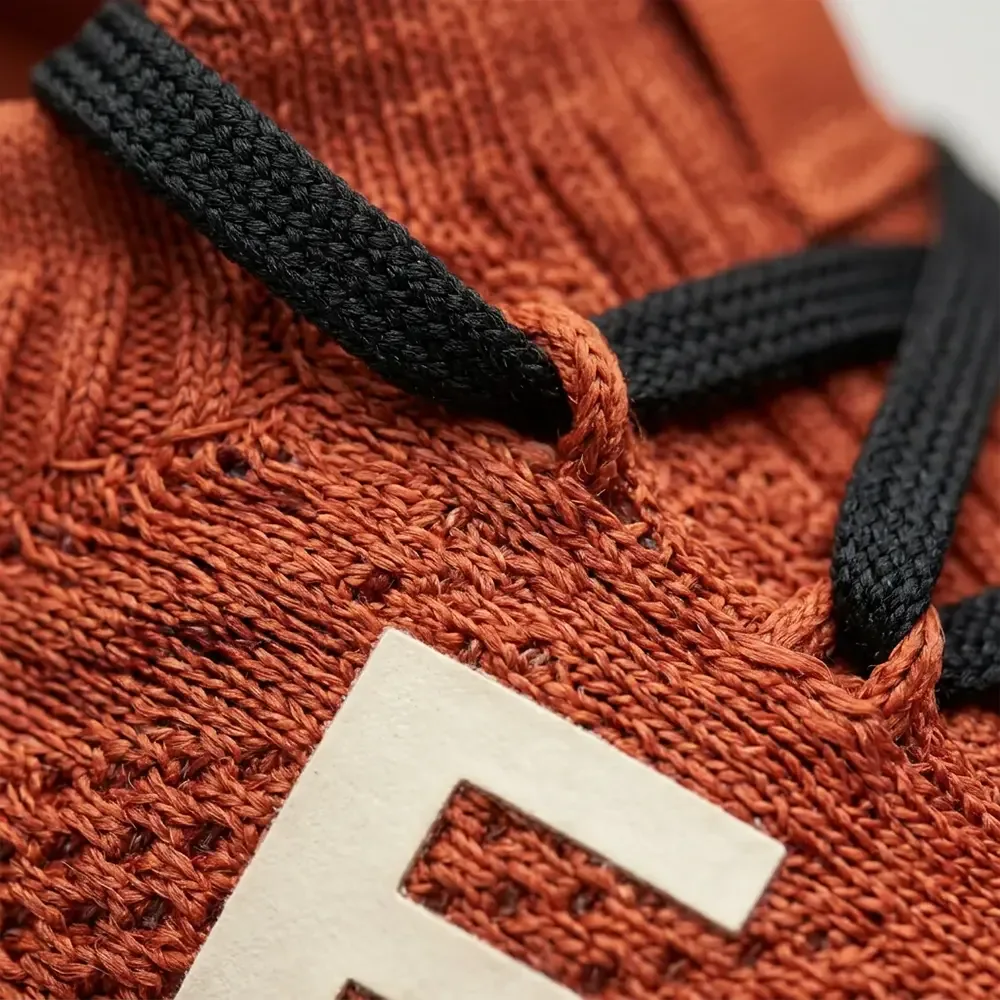
Detail close-ups
A macro camera on the knit, the stitching and the hardware.

Styled packshots
The product on a pedestal, on satin, or held in a hand — styled, but still a packshot.
Product video
Turntables, slow orbits and 9:16 clips for social, from the same still.
From a garment on white to a model wearing it
The frame shows the on-model shot Epox made. Hover or tap it to see the flat product photo it started from.
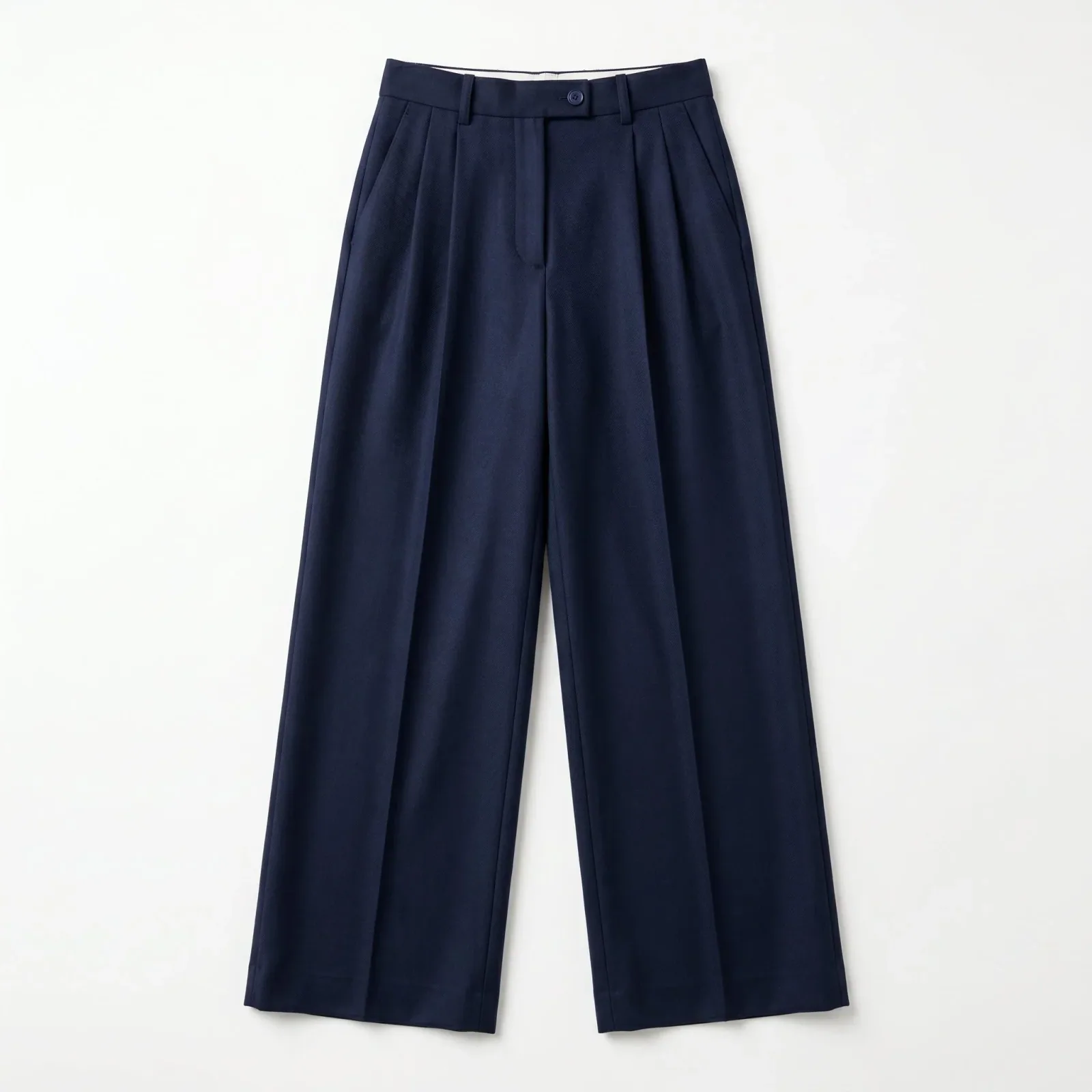
Generated in Epox from the product photo
Your own model, kept consistent
Create a custom model from up to five reference photos and reuse it across every shot in the collection.
It reads the garment first
Each photo is analysed for product type, materials and texture, and that description is written into the generation prompt.
One look, saved once
Lock the model, scene, camera and light as a template, then run the whole collection in one batch.
Apparel questions
Shoot the whole collection in one look.
Start with the product photos you have. Keep the shots you approve.
Start free600 credits / day · no credit card